 Timecard
 Pastely
 Archly


MRR Widgets for iPhone, Mac, StandBy and Apple Watch
Your MRR on the Home Screen. Your errors on your wrist.
A widget is the fastest dashboard there is: you see it without opening anything. Spikely builds widgets from any number it reads, and they change when a number leaves its usual range, so a glance tells you whether to look closer.

$5,310, usually $5,925 to $8,016. 24% below usual.
 Stripe6 cancellations since Monday
 VercelA deploy changed the billing page
 SentryA new error appeared in the upgrade flow
The short answer
Spikely puts numbers from 19 tools, like MRR from Stripe, visitors from Vercel or errors from Sentry, into widgets for the iPhone Home Screen, Lock Screen and StandBy, the Mac desktop and the Apple Watch Smart Stack. Each widget shows up to four numbers, and an All startups widget shows every product at once.
 Written by Prince Ajuzie, who builds Spikely.
Updated
- Connects to
 and 15 more
- Access
- Read-only keys
- Runs on
- iPhone, iPad, Mac, Apple Watch
- Price
- $9.99 a month or $79.99 a year, 3 days free on yearly
Why most metric widgets get ignored
One app per tool
A Stripe widget, a separate analytics widget, another for the App Store. Your Home Screen fills up with apps that each know one number.
A number without context
A widget that says $8,214 doesn't tell you whether that's a good day. You still have to remember what normal looks like.
Nothing on the Mac or the Watch
Many widget apps stop at the iPhone, while most of your working day is spent at a Mac.
How Spikely widgets work
Any number, any look
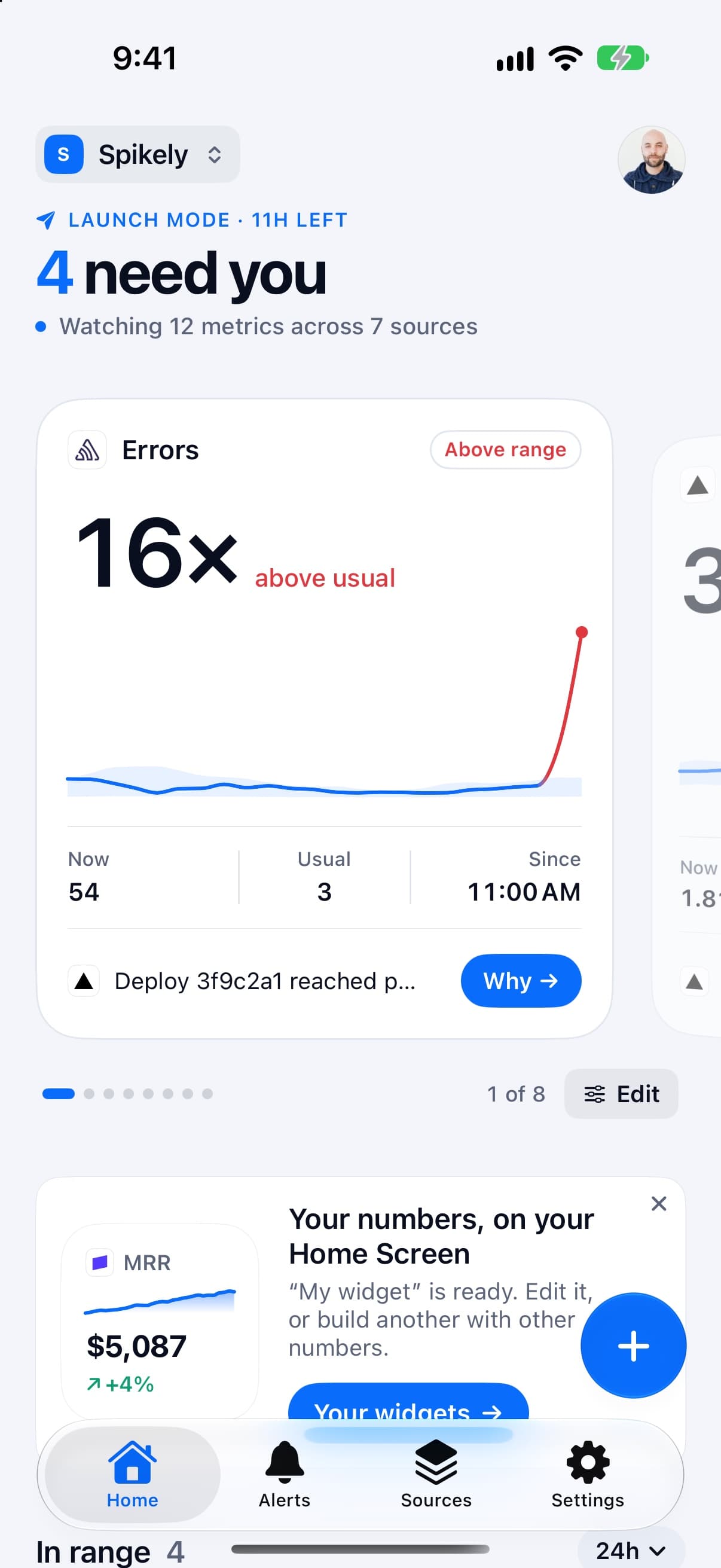
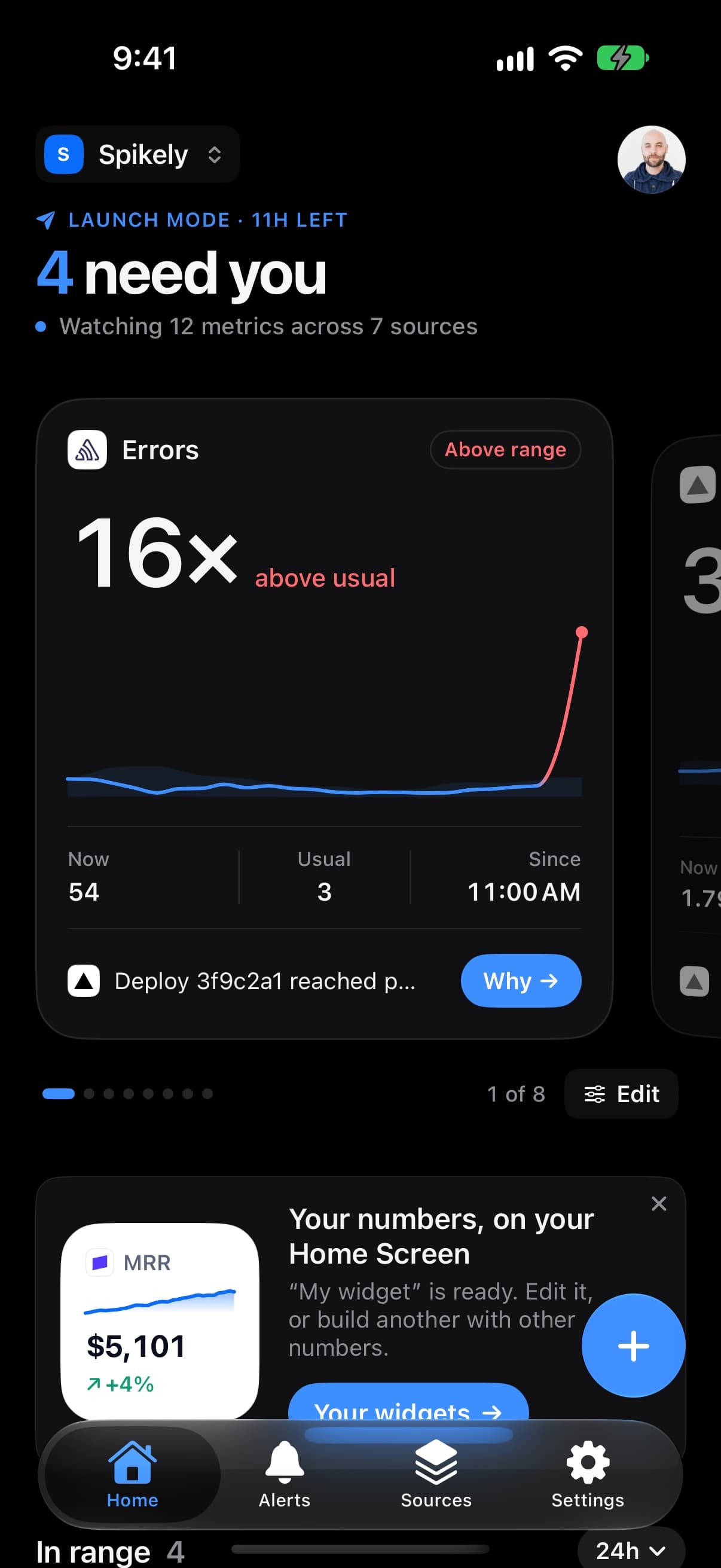
Pick up to four numbers per widget, each over its own range, and show them as a line, area, bars, a range or just the figure. Six themes, small and medium sizes.
They react when something moves
When a number leaves its usual range, a widget can stay calm, change colour or show why, and it comes forward in the Smart Stack.
Every Apple surface
Home Screen, Lock Screen and StandBy on iPhone, Home Screen on iPad, desktop widgets on Mac and the Smart Stack on Apple Watch. The Mac menu bar shows how many numbers need you.
All startups in one
The All startups widget lists each product's headline number, so founders with several products see them together.
Which numbers to watch and what a break usually means.
| Number | Read from | What a break usually means |
|---|---|---|
| MRR and revenue | Stripe | A colour change when MRR leaves its usual range |
| Downloads and proceeds | App Store Connect | Yesterday's numbers each morning, as Apple publishes them |
| Visitors | Plausible | A spike visible at a glance on the Lock Screen |
| Errors | Sentry | A widget that comes forward in the Smart Stack when errors jump |
These are common readings, not diagnoses. Spikely shows what moved and what your tools recorded, and you decide what it means.
How to set it up
Install Spikely
Get it from the App Store. You can look around first, and signing in turns on alerts.
Connect Stripe
Add a key with the narrowest access available, using our Stripe key guide. Then add your other tools the same way.
Choose a sensitivity
Big moves only, Balanced or Every move. Add your own rules for any line you care about.
When Spikely is the wrong tool.
You want a free widget app
Spikely is a paid app with a free trial on the yearly plan. If you only need one number on your Home Screen, a free single-tool widget may be enough.
You need a TV dashboard
Spikely is built for your own devices. It doesn't make wallboards for an office screen.
Questions, answered plainly.
Connect Stripe in Spikely, build a widget with MRR in Settings › Widgets, then touch and hold the Home Screen, add the Spikely widget, tap Edit Widget and choose it.
Yes. On Mac, add Spikely widgets to the desktop at any size. The menu bar shows how many numbers need you, and clicking it shows the moves and your widget's numbers.
Yes. The All startups widget lists every project's headline number, in the order you choose, on iPhone and Mac.
Widgets refresh as often as iOS and macOS allow, so they can trail the app a little. Alerts don't wait for widgets: they arrive as pushes.
Stop checking. Start hearing about it.
Spikely learns what normal looks like for every number your startup runs on, and tells you when one breaks pattern, with what changed around it.
3 days free on yearly · iPhone, iPad, Mac and Apple Watch
More use cases
The 24 hours after you post, in the Dynamic Island, with a count of what needs you.
An alert when revenue falls below its own usual range, with no fixed threshold to maintain.
When signups or errors move after a release, the deploy is listed right beside them.
An alert when visitors jump above their usual range, with the referrer if it was recorded.
A push with a cha-ching for every sale, from any billing tool you connect.
Every number you own, watched for you, with one alert when something breaks pattern.
An alert when MRR, new subscriptions or churn stop looking like themselves.
Downloads, ratings, trials and crashes in one place, with an alert when a release goes sideways.
One project per startup, with separate keys, even for two accounts of the same tool.