 Timecard
 Pastely
 Archly


Sale Notifications for Stripe, Polar, Paddle and RevenueCat
Hear a cha-ching for every sale.
The first sales of a product are worth hearing about the second they land. Spikely turns payments from your billing tool into pushes on iPhone, Mac and Apple Watch, with the amount, what you've made today and a cash-register sound.

64, usually 13 to 33. 2.8× usual.
 Stripe14 new sales since 9:00 AM
 VercelVisitors up 3× in the same hour
 GitHubStars went from 2 an hour to 40
The short answer
To get a notification for every sale, connect Stripe, Polar, Lemon Squeezy, Paddle, Dodo Payments or RevenueCat to Spikely. Each sale, new subscriber and renewal arrives as a push with the amount, today's total and a cha-ching sound. Refunds and cancellations can notify you too, and no Zapier is needed.
 Written by Prince Ajuzie, who builds Spikely.
Updated
- Connects to


 and 15 more
- Access
- Read-only keys
- Runs on
- iPhone, iPad, Mac, Apple Watch
- Price
- $9.99 a month or $79.99 a year, 3 days free on yearly
Why sales slip past unnoticed
Billing tools email, they don't ping
Most payment tools send a receipt email or offer a webhook. Turning that into a phone notification usually means Zapier or a script you have to keep running.
Each tool has its own app, or none
If you sell through Stripe on the web and RevenueCat in your app, that's two apps and two sets of notifications, and some tools have no app at all.
Bad news arrives quietly
A refund or a cancellation is easy to miss in an inbox. It's often the one you most wanted to see the same day.
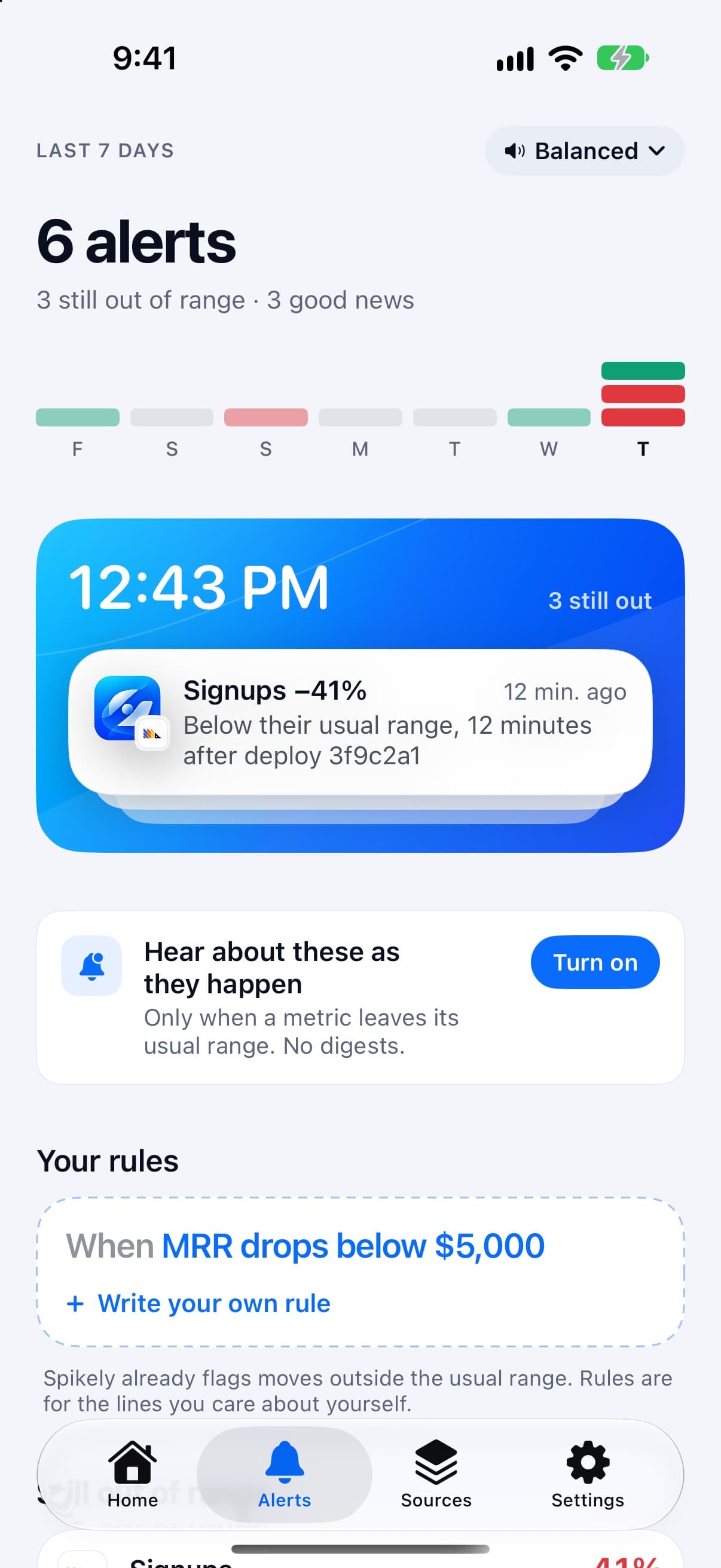
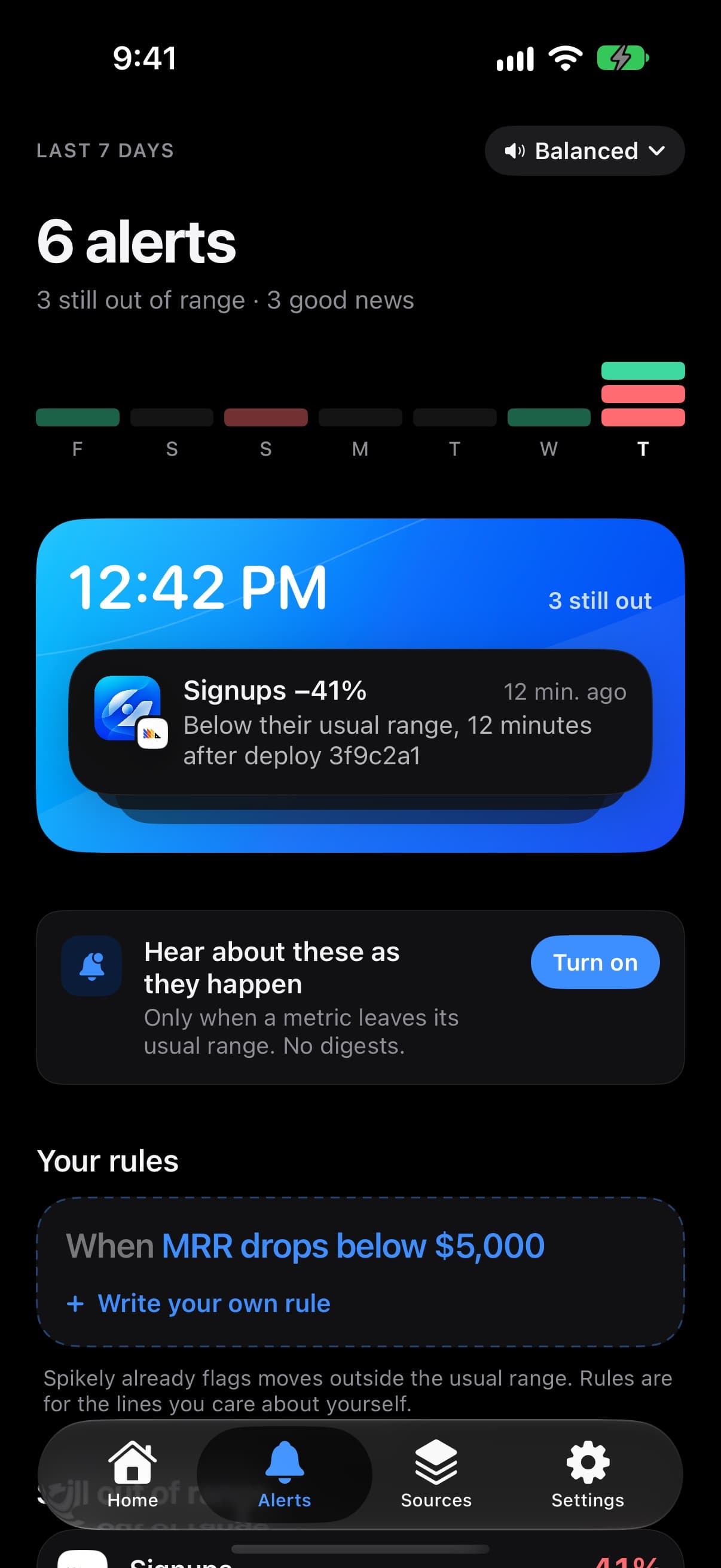

How sale notifications work in Spikely
In seconds, through a webhook
If your key can manage webhooks, Spikely adds one named Spikely to your account and sales arrive in seconds. Without it, they arrive at the next check, every 5 to 30 minutes depending on the tool.
A cha-ching on sales
Sales, new subscribers and renewals play a cash-register sound, so you know what it is without looking. Turn it off in Settings › Alerts.
Busy days stay readable
Several sales landing together arrive as one push, like 💰 +$147.00 · 3 new sales, and quiet hours hold them for a morning summary.
You pick what pings you
New sale, new trial, new subscriber, renewal, refund and cancellation can each be on or off per project.
Which numbers to watch and what a break usually means.
| Number | Read from | What a break usually means |
|---|---|---|
| Sales, subscribers and refunds | Stripe | A push for each one, and an alert if sales stop |
| Orders and renewals | Polar | Checked every 5 minutes, instant with a webhook scope |
| Orders and cancellations | Lemon Squeezy | Instant, with no extra permission to add |
| In-app purchases and trials | RevenueCat | A push per purchase once the webhook permission is on |
These are common readings, not diagnoses. Spikely shows what moved and what your tools recorded, and you decide what it means.
How to set it up
Install Spikely
Get it from the App Store. You can look around first, and signing in turns on alerts.
Connect Stripe
Add a key with the narrowest access available, using our Stripe key guide. Then add your other tools the same way.
Choose a sensitivity
Big moves only, Balanced or Every move. Add your own rules for any line you care about.
When Spikely is the wrong tool.
You sell on Gumroad or Shopify
Spikely doesn't read Gumroad or Shopify yet. It covers Stripe, Polar, Lemon Squeezy, Paddle, Dodo Payments, RevenueCat and App Store Connect.
You want a push for App Store sales
App Store Connect reports sales a day later, so it can't ping per purchase. Connect RevenueCat for that.
Questions, answered plainly.
Connect your payment tool in Spikely, give the key permission to manage webhooks if it asks, and turn on New sale under Notify me about. Each sale arrives on your iPhone, Mac and Apple Watch with the amount and today's total.
Yes. Spikely plays a cash-register sound for sales, new subscribers and renewals from Stripe and every other payment tool it reads. You can turn it off in Settings › Alerts.
No. Spikely creates the webhook in your payment tool itself, using the key you connect, and sends the push from its own servers, so it works with the app closed.
Yes. Refund and Subscription cancelled are separate notifications you can turn on or off for each project.
Stop checking. Start hearing about it.
Spikely learns what normal looks like for every number your startup runs on, and tells you when one breaks pattern, with what changed around it.
3 days free on yearly · iPhone, iPad, Mac and Apple Watch
More use cases
The 24 hours after you post, in the Dynamic Island, with a count of what needs you.
An alert when revenue falls below its own usual range, with no fixed threshold to maintain.
When signups or errors move after a release, the deploy is listed right beside them.
An alert when visitors jump above their usual range, with the referrer if it was recorded.
MRR, sales, traffic and errors in widgets on iPhone, Mac and Apple Watch.
Every number you own, watched for you, with one alert when something breaks pattern.
An alert when MRR, new subscriptions or churn stop looking like themselves.
Downloads, ratings, trials and crashes in one place, with an alert when a release goes sideways.
One project per startup, with separate keys, even for two accounts of the same tool.
Free tools for this
Turn $10K MRR or your first 1,000 users into a card worth posting. No design tools.
See your ARR, when you'll hit your target, and the ceiling your churn is quietly setting.
The narrowest key each tool offers, the exact steps to make it, and which ones can't be limited.