 Timecard
 Pastely


Downloads, Ratings and Crash Alerts for App Developers
Store numbers arrive quietly. A bad release doesn't stay quiet for long.
A shipped release is hard to pull back, and your signals are spread across two stores, a subscription tool and a crash reporter. Spikely puts them in one app on the device you are already holding, and tells you when one of them moves.

52, usually 84 to 124. 50% below usual.
 FirebaseCrashes rose above their usual range
 SentryCrash-free sessions fell
 RevenueCatNew trials fell below their usual range
The short answer
Mobile app developers use Spikely to watch downloads, ratings, trials and crashes in one place. It reads App Store Connect, Google Play, RevenueCat, Firebase and Sentry with limited-access keys, then alerts your iPhone when a number leaves its usual range after a release or any other change.
 Written by Prince Ajuzie, who builds Spikely.
Updated
- Connects to
 and 15 more
- Access
- Read-only keys
- Runs on
- iPhone, iPad, Mac, Apple Watch
- Price
- $9.99 a month or $79.99 a year, 3 days free on yearly
Why mobile problems are slow to surface
The numbers live in separate consoles
Downloads and proceeds in one store, installs in the other, trials in RevenueCat and crashes somewhere else. No single screen shows that they moved together.
A bad release keeps rolling out
You can't quietly redeploy a phone app. The sooner you see trials or crash-free sessions move, the sooner you can halt or fix it.
Reviews tell you last
By the time ratings dip, plenty of people have already had the bad version.

How Spikely watches a mobile app
Both stores and your subscription tool
App Store Connect gives downloads, proceeds and ratings. Google Play gives installs, ratings and revenue. RevenueCat adds MRR, trials and active subscriptions.
Crashes beside the business numbers
Connect Firebase or Sentry and a drop in trials can appear next to the crash numbers that moved around it.
Launch mode for release day
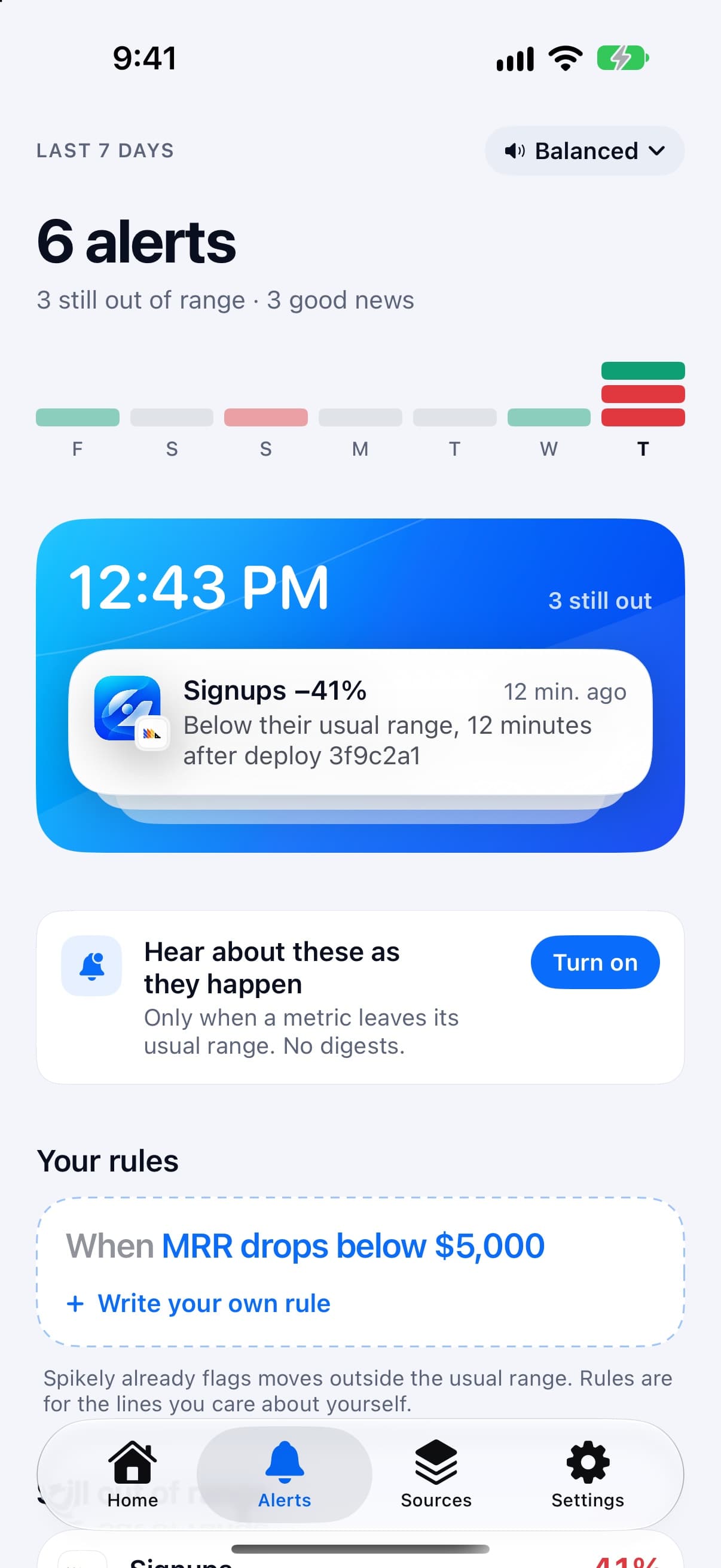
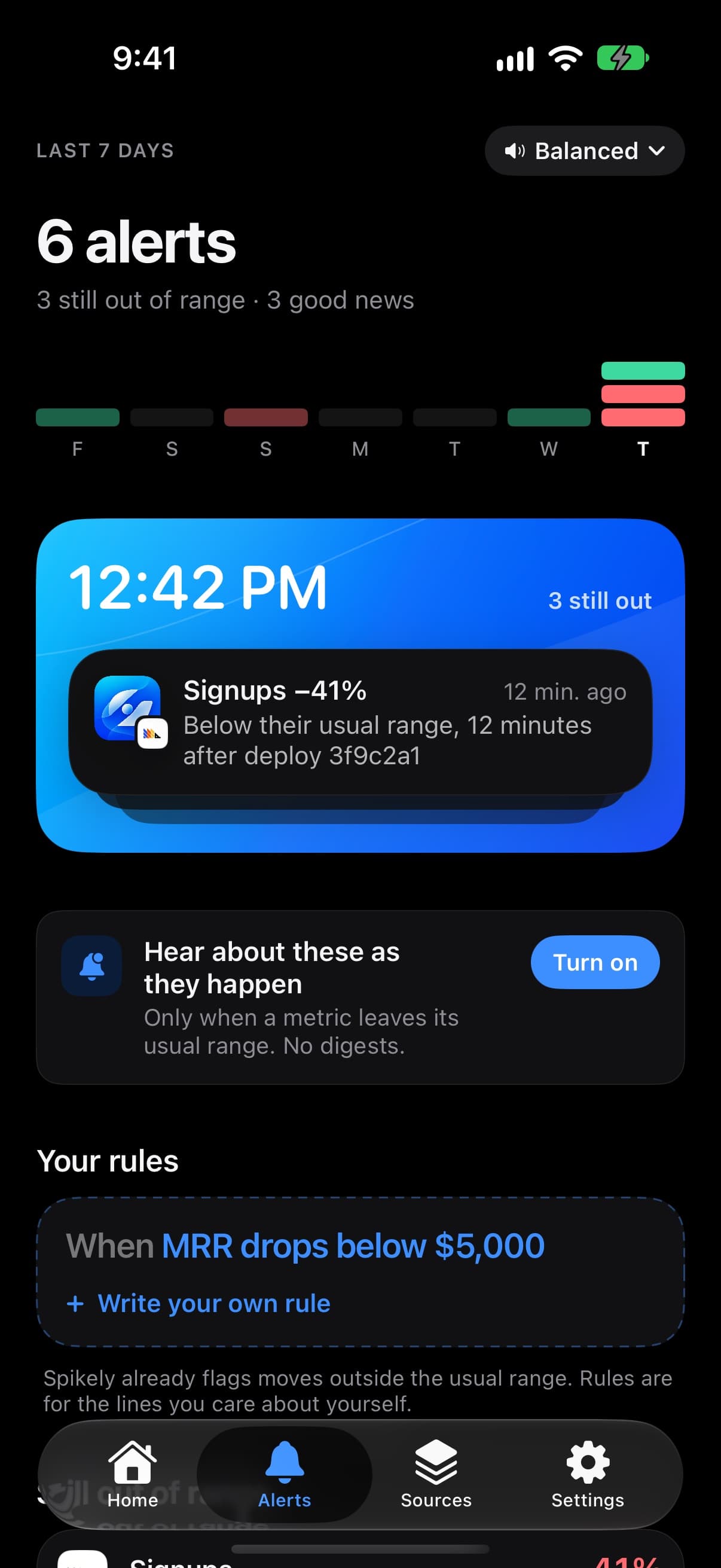
Launch mode puts the 24 hours after you post into the Dynamic Island, with a count of anything that needs you.
Separate projects for separate apps
Each app can be its own project with its own keys, and you switch between them from the top of Home.
Which numbers to watch and what a break usually means.
| Number | Read from | What a break usually means |
|---|---|---|
| Downloads and proceeds | App Store Connect | Featuring or a ranking change, or a problem with your listing |
| Installs and ratings | Google Play | A release landing well, or badly |
| Trials and active subscriptions | RevenueCat | A paywall problem or a change in who is arriving |
| Crashes | Firebase | A release or an SDK update that needs a closer look |
These are common readings, not diagnoses. Spikely shows what moved and what your tools recorded, and you decide what it means.
How to set it up
Install Spikely
Get it from the App Store. You can look around first, and signing in turns on alerts.
Connect App Store Connect
Add a key with the narrowest access available, using our App Store Connect key guide. Then add your other tools the same way.
Choose a sensitivity
Big moves only, Balanced or Every move. Add your own rules for any line you care about.
When Spikely is the wrong tool.
You want app store optimization
Spikely watches your numbers. It doesn't track keywords or competitors, or tell you how to improve a listing.
You need crash debugging
It can show that crashes moved. To find the line of code, you still open Firebase or Sentry.
Questions, answered plainly.
Yes. It reads downloads, proceeds and ratings from App Store Connect using a key with the Sales and Reports role, and installs, ratings and revenue from Google Play using a service account that can view app information.
No. Spikely can only show what each store reports, and store figures usually lag. For faster signals after a release, connect RevenueCat, Firebase or Sentry too.
Yes. Spikely itself runs on Apple devices, but it can read your Google Play and Firebase numbers for an Android app.
Stop checking. Start hearing about it.
Spikely learns what normal looks like for every number your startup runs on, and tells you when one breaks pattern, with what changed around it.
3 days free on yearly · iPhone, iPad, Mac and Apple Watch
More use cases
Every number you own, watched for you, with one alert when something breaks pattern.
An alert when MRR, new subscriptions or churn stop looking like themselves.
One project per startup, with separate keys, even for two accounts of the same tool.
The 24 hours after you post, in the Dynamic Island, with a count of what needs you.
Free tools for this
Paste any metric and see its usual range, what moved outside it, and by how much.
The narrowest key each tool offers, the exact steps to make it, and which ones can't be limited.
What Stripe, Vercel, GitHub and more say about themselves right now, from their own status feeds.