 Timecard
 Pastely
 Archly


Build in Public With Real Numbers: Share Cards and Alerts
Post the milestone the minute it happens.
Building in public runs on moments: the first sale, $1K MRR, a post that took off. Spikely tells you when they happen and turns the number into a card you can post, without opening a design tool.

3,122, usually 761 to 1,029. 3.5× usual.
 GitHubStars up 12× after the launch thread
 Polar9 new subscribers in two hours
 VercelA deploy shipped the new landing page
The short answer
Founders who build in public use Spikely to catch the moments worth sharing and to post them. It alerts you when revenue, sign-ups or visitors jump, sends a cha-ching for each sale, and makes share cards from any metric or from all your startups at once, with an option to hide the product name.
 Written by Prince Ajuzie, who builds Spikely.
Updated
- Connects to
 and 15 more
- Access
- Read-only keys
- Runs on
- iPhone, iPad, Mac, Apple Watch
- Price
- $9.99 a month or $79.99 a year, 3 days free on yearly
Why build-in-public posts come late
You find out the next day
The thread that took off at lunch is old news by the time you check your dashboards in the evening.
Screenshots take work
Cropping a dashboard, hiding private numbers and making it look decent eats the time you meant to spend replying.
Several products, several screenshots
If you run more than one product, showing the total means adding up numbers from different tools by hand.

How Spikely helps you share
An alert when a post works
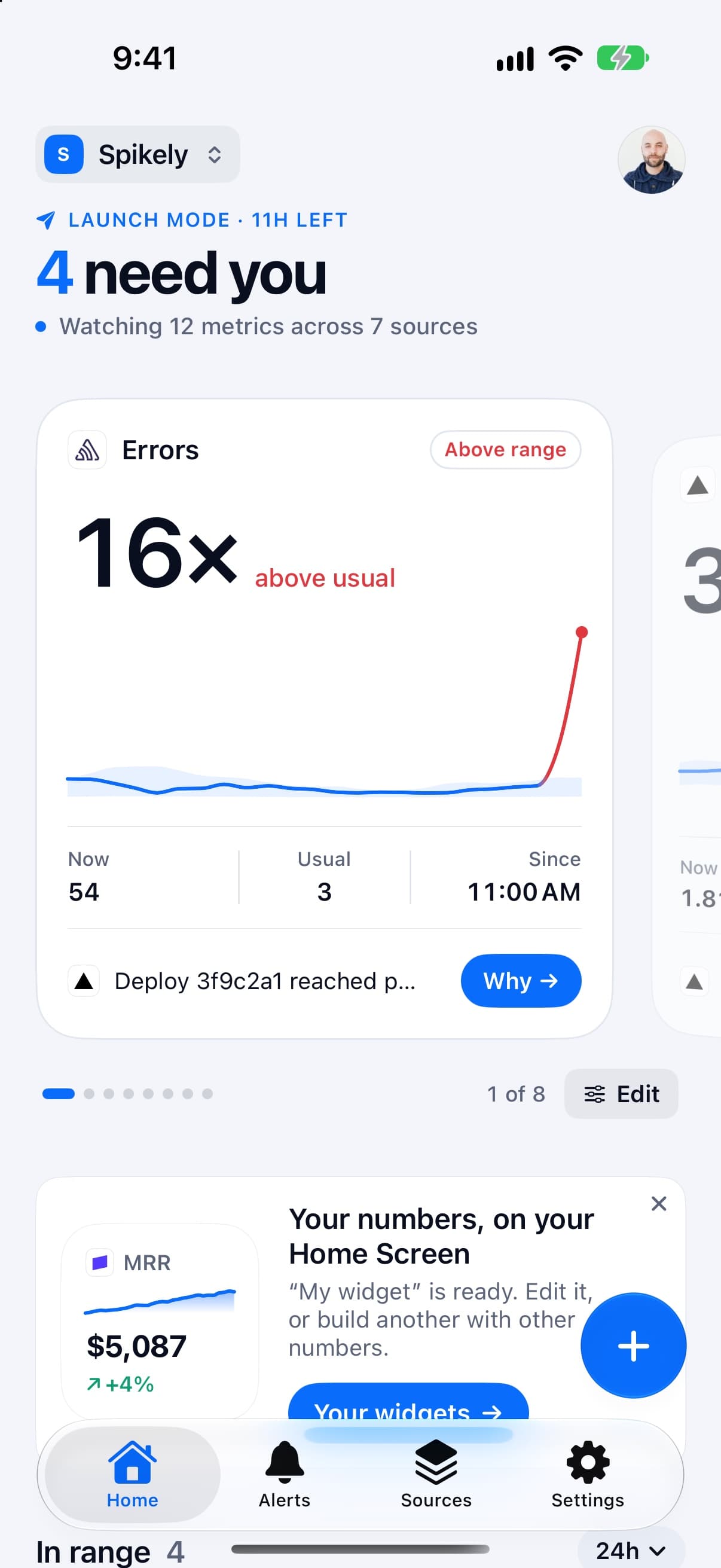
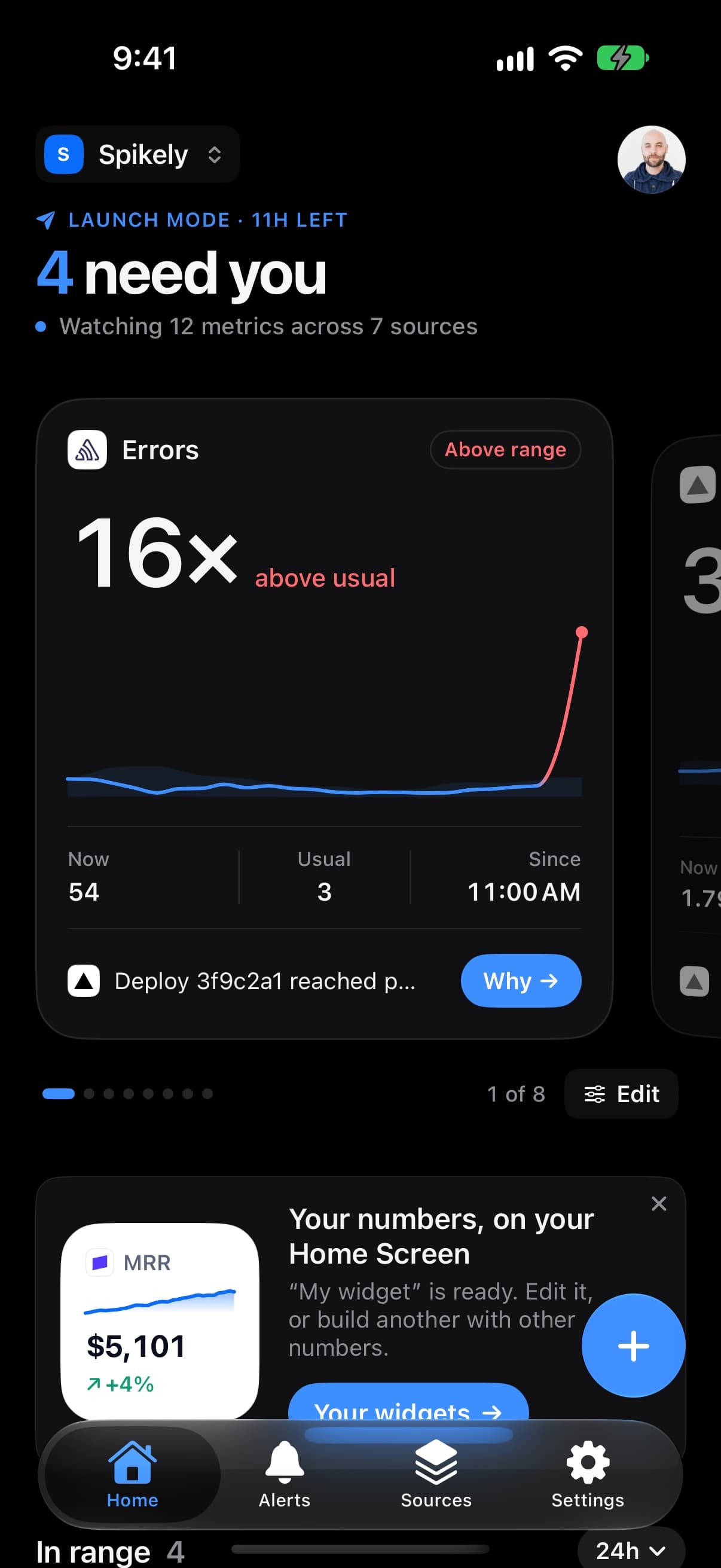
Visitors, stars and sign-ups that jump above their usual range trigger an alert, so you can join the conversation while it's live.
Share cards from real numbers
Share any metric as a card with its chart, or share All startups with total revenue across your products.
Keep the product private if you like
Turn off the product name on a card when you want to share progress without saying which product it is.
Launch mode for launch day
Launch mode keeps the 24 hours after you post in the Dynamic Island, with a count of anything that needs you.
Which numbers to watch and what a break usually means.
| Number | Read from | What a break usually means |
|---|---|---|
| MRR and new subscriptions | Stripe | A milestone worth posting, or a launch that converted |
| Orders and revenue | Polar | Your post turned readers into customers |
| Stars | GitHub | An open source repo being shared |
| Visitors | Vercel | A post or mention sending traffic |
These are common readings, not diagnoses. Spikely shows what moved and what your tools recorded, and you decide what it means.
How to set it up
Install Spikely
Get it from the App Store. You can look around first, and signing in turns on alerts.
Connect Stripe
Add a key with the narrowest access available, using our Stripe key guide. Then add your other tools the same way.
Choose a sensitivity
Big moves only, Balanced or Every move. Add your own rules for any line you care about.
When Spikely is the wrong tool.
You need verified revenue
Spikely's cards show what your tools report, but nobody else can verify them. For a public, verified page, use a service built for that.
You want a social scheduler
Spikely makes the card and you post it. It doesn't schedule or publish posts for you.
Questions, answered plainly.
In Spikely, open MRR and tap Share to make a card with the number and its chart. You can hide the product name. Without the app, our free Milestone Card Maker makes a card from a number you type.
Yes. The All startups card shows total revenue and how many startups you watch, with each product's number listed.
If you connect a source with visitors, such as Vercel, Plausible or Google Analytics, Spikely alerts you when visitors rise above their usual range for that hour.
Stop checking. Start hearing about it.
Spikely learns what normal looks like for every number your startup runs on, and tells you when one breaks pattern, with what changed around it.
3 days free on yearly · iPhone, iPad, Mac and Apple Watch
More use cases
Every number you own, watched for you, with one alert when something breaks pattern.
An alert when MRR, new subscriptions or churn stop looking like themselves.
Downloads, ratings, trials and crashes in one place, with an alert when a release goes sideways.
One project per startup, with separate keys, even for two accounts of the same tool.