 Timecard
 Pastely


Traffic Spike Alerts: Know When Your Site Takes Off
You hit the front page. A friend shouldn't be the one to tell you.
A mention can peak and fade before you ever open your analytics. Spikely flags the jump while it's happening and shows where it came from, so you can go and join the conversation.

13K, usually 3,818 to 5,166. 3× usual.
 Vercel74% of visits referred by news.ycombinator.com
 GitHubStars went from 2 an hour to 61
 PostHogSignups up 3× in the same hour
The short answer
To get an alert for a traffic spike, connect Vercel, Cloudflare, Plausible or Google Analytics to Spikely. It learns the usual range of your visitors for that hour and day, alerts your iPhone when they jump above it, and shows the referrer if your source recorded one.
 Written by Prince Ajuzie, who builds Spikely.
Updated
- Connects to


 and 15 more
- Access
- Read-only keys
- Runs on
- iPhone, iPad, Mac, Apple Watch
- Price
- $9.99 a month or $79.99 a year, 3 days free on yearly
Why traffic spikes get missed
Analytics tools wait for you to look
Reports are great for looking back. They aren't much use when the moment to act is right now.
You can't watch for every mention
Someone may post about you anywhere, at any hour. Keyword alerts miss plenty of it.
Traffic can hurt as well as help
A spike is also when errors climb and signups break, and you'd want to know both together.
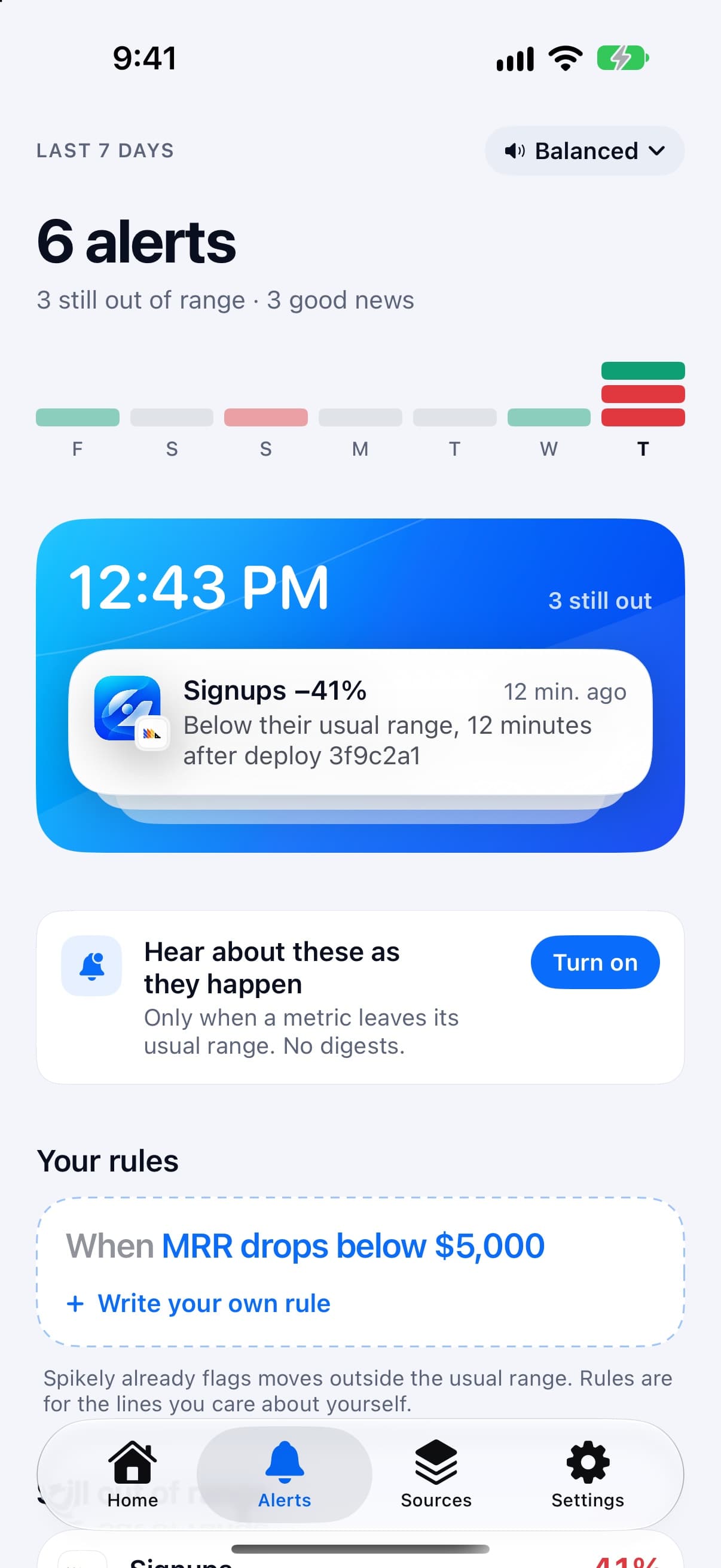
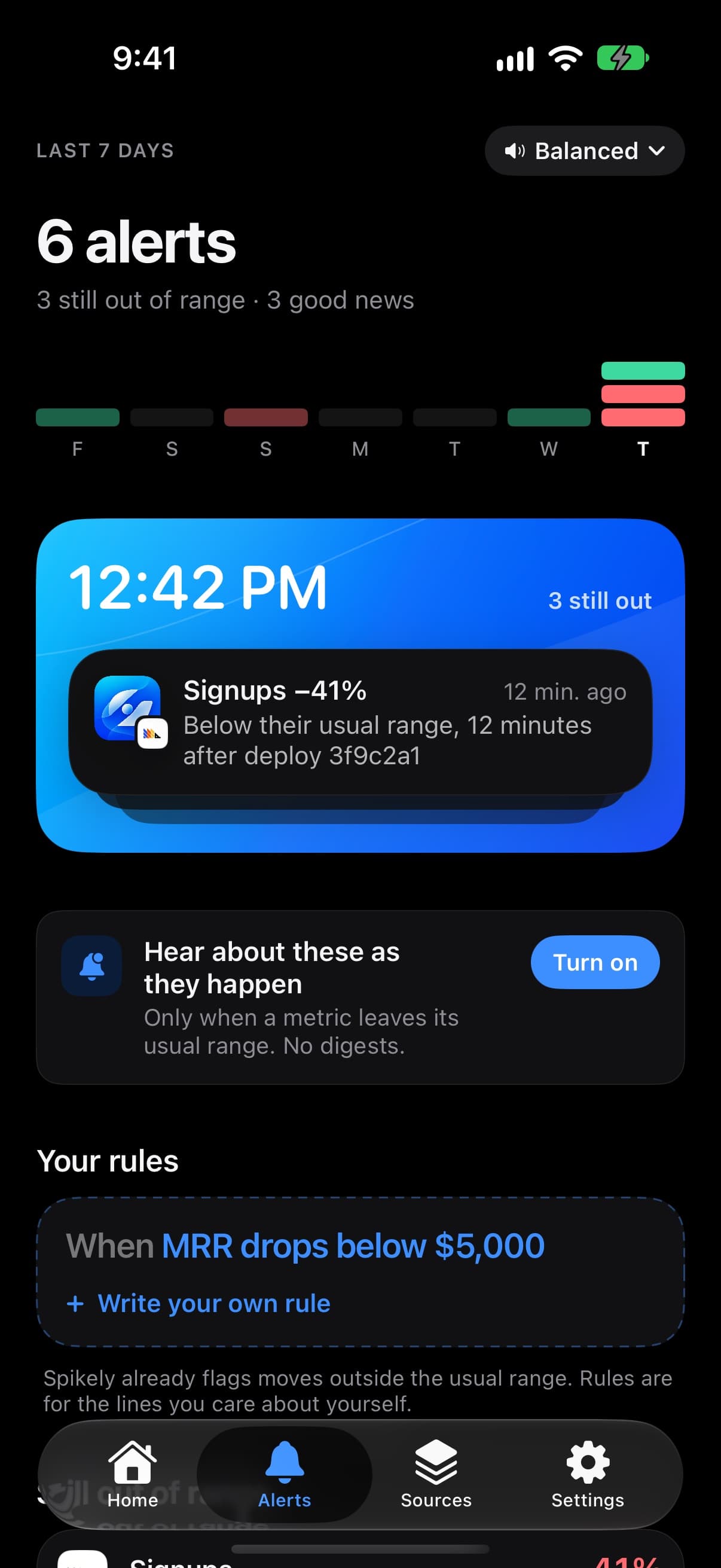

How Spikely flags a spike
A range that knows the time of day
The usual range is narrow overnight and wide on a busy afternoon, so a real jump stands out and a normal morning doesn't.
Where it came from
If your source recorded a referrer, Why shows it, so you know which thread to go and read.
What else moved
Stars, signups and errors from your other sources are listed for the same window.
Falls are flagged too
A sudden drop in visitors gets an alert as well, which can be the first sign that a page or a search ranking has gone wrong.
Which numbers to watch and what a break usually means.
| Number | Read from | What a break usually means |
|---|---|---|
| Visitors and page views | Vercel | A mention, a post or a new referrer |
| Web analytics and requests | Cloudflare | Real interest, or automated traffic worth checking |
| Visitors and bounce rate | Plausible | Whether new visitors stay or leave right away |
| Users and sessions | Google Analytics | A shift in overall traffic, though reporting can lag |
These are common readings, not diagnoses. Spikely shows what moved and what your tools recorded, and you decide what it means.
How to set it up
Install Spikely
Get it from the App Store. You can look around first, and signing in turns on alerts.
Connect Vercel
Add a key with the narrowest access available, using our Vercel key guide. Then add your other tools the same way.
Choose a sensitivity
Big moves only, Balanced or Every move. Add your own rules for any line you care about.
When Spikely is the wrong tool.
You need brand monitoring
Spikely sees traffic arriving, not posts about you. If no one clicks through, it won't know about the mention.
You need an uptime monitor
It reads numbers from your tools and doesn't ping your site. Use an uptime service if you need a check every minute.
Questions, answered plainly.
Connect a source that reports visitors, such as Vercel, Cloudflare, Plausible or Google Analytics, and sign in to Spikely to turn on alerts. It flags visitors when they rise above their usual range.
If your source recorded the referrer, the Why view can list it. If not, Spikely won't guess.
It shouldn't. The range reflects what's usual for that hour and day, and you can choose Big moves only to hear about less.
Stop checking. Start hearing about it.
Spikely learns what normal looks like for every number your startup runs on, and tells you when one breaks pattern, with what changed around it.
3 days free on yearly · iPhone, iPad, Mac and Apple Watch
More use cases
The 24 hours after you post, in the Dynamic Island, with a count of what needs you.
An alert when revenue falls below its own usual range, with no fixed threshold to maintain.
When signups or errors move after a release, the deploy is listed right beside them.
Every number you own, watched for you, with one alert when something breaks pattern.