 Timecard
 Pastely


Startup Metric Alerts for Indie Hackers and Solo Founders
You are the whole on-call rota. Spikely keeps the watch.
When you run everything yourself, nobody else notices that signups stopped at lunchtime. Spikely watches the tools you already pay for, stays quiet on a normal day, and tells you when something steps out of line.

28, usually 50 to 82. 58% below usual.
 VercelA new deploy reached production
 SentryA new TypeError appeared in the signup form
 PostHogSignup completions fell while page visits held
The short answer
Indie hackers use Spikely to watch revenue, signups, errors and visitors without keeping a dashboard open. It learns the usual range of each number from your own tools, alerts your iPhone when one leaves that range, and lists what your other tools recorded around the same time.
 Written by Prince Ajuzie, who builds Spikely.
Updated
- Connects to
 and 15 more
- Access
- Read-only keys
- Runs on
- iPhone, iPad, Mac, Apple Watch
- Price
- $9.99 a month or $79.99 a year, 3 days free on yearly
Why solo founders find out late
Nobody else is looking
There is no teammate to mention that the chart looks strange. If you are heads down on a feature, a broken checkout can sit there all afternoon.
Five dashboards, five tabs
Revenue lives in one tool, errors in another and traffic in a third. Checking all of them is a chore, so it happens less as you get busier.
Fixed thresholds don't fit a small product
At your size, ten signups can be a great day or a quiet one. A single number in an alert rule either fires constantly or never fires at all.
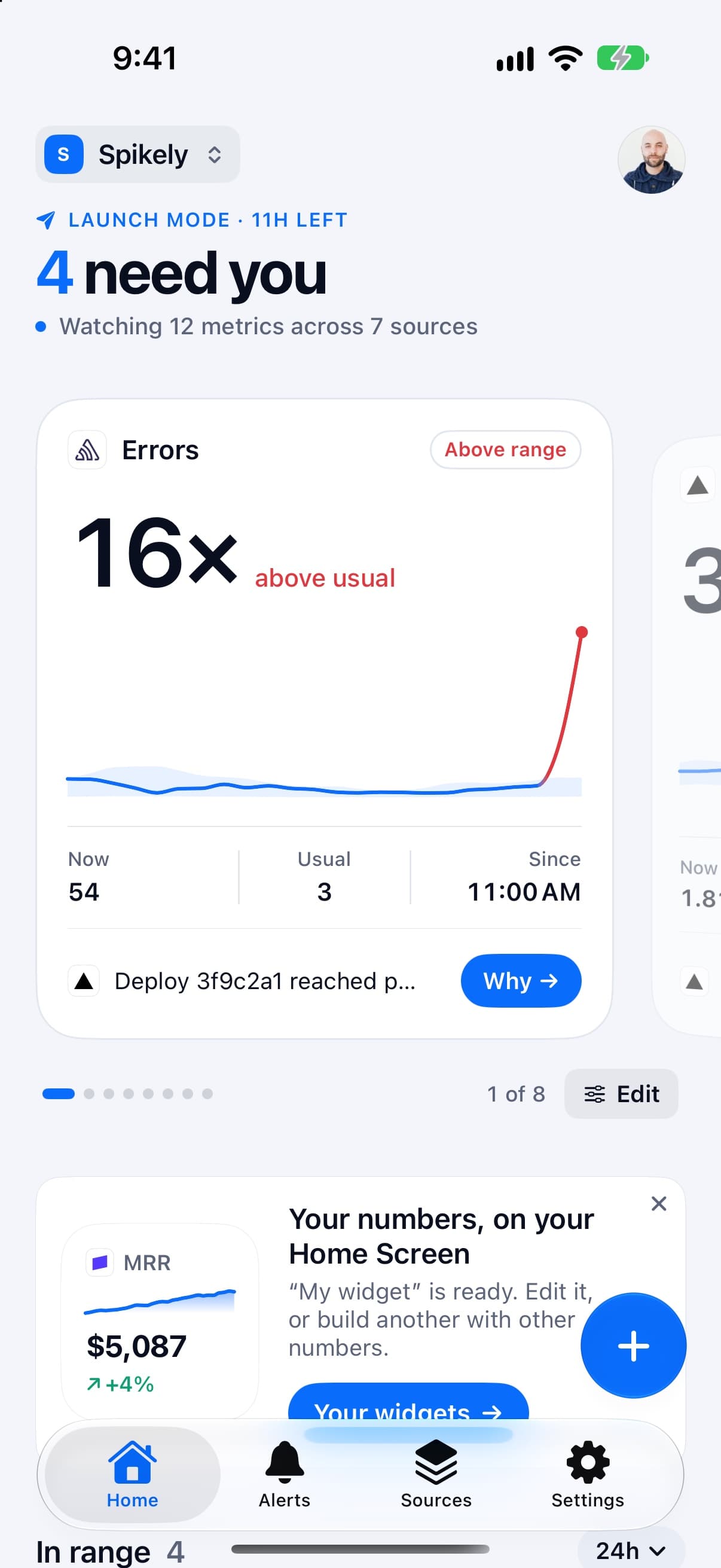
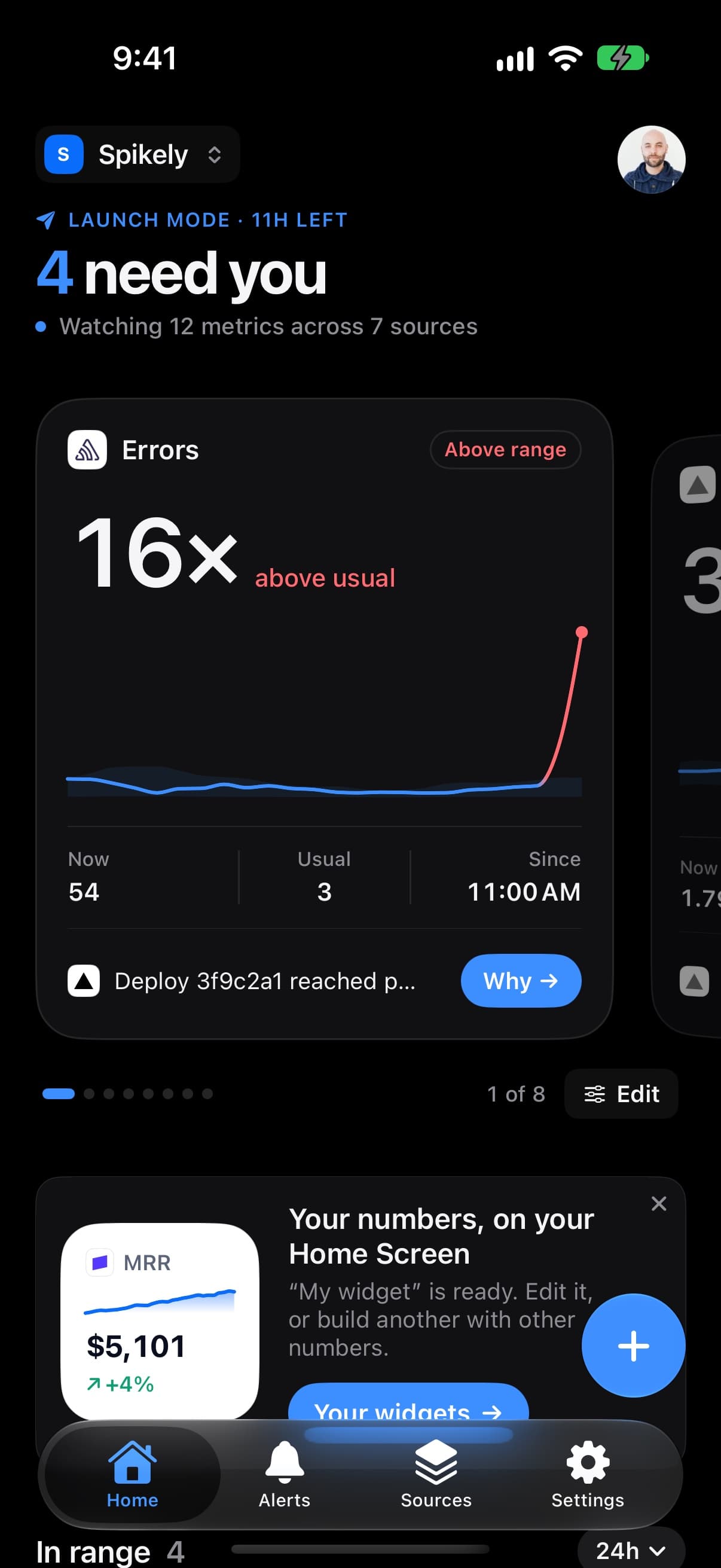

How Spikely fits a one-person company
A usual range for each number
Spikely compares each metric with the same stretch of the period before, so its range is narrow at 3 AM and wide on a busy afternoon. You don't set a threshold to get started.
One alert, with the context attached
When a number leaves its range, the alert opens on what your other sources recorded around that time: a deploy, a new error, a referrer.
Quiet hours for actual sleep
No banners overnight, except for rules you marked urgent. Those can break through with sound.
Your numbers at a glance
Home Screen and Lock Screen widgets, a menu bar count on Mac and the Smart Stack on Apple Watch, so you can stop opening dashboards to check that things are fine.
Which numbers to watch and what a break usually means.
| Number | Read from | What a break usually means |
|---|---|---|
| MRR and churn | Stripe | A pricing change, a broken checkout or a wave of cancellations |
| Signups | PostHog | A bad deploy if they fall, a new traffic source if they rise |
| Errors | Sentry | Something shipped or an upstream tool started failing |
| Visitors | Vercel | A mention somewhere, or a drop in search traffic |
These are common readings, not diagnoses. Spikely shows what moved and what your tools recorded, and you decide what it means.
How to set it up
Install Spikely
Get it from the App Store. You can look around first, and signing in turns on alerts.
Connect Stripe
Add a key with the narrowest access available, using our Stripe key guide. Then add your other tools the same way.
Choose a sensitivity
Big moves only, Balanced or Every move. Add your own rules for any line you care about.
When Spikely is the wrong tool.
You need a full analytics suite
Spikely tells you a number moved. For funnels, cohorts and deep questions, keep using a tool like PostHog or Mixpanel.
You are not on Apple devices
Spikely runs on iPhone, iPad, Mac and Apple Watch. There is no Android or web app.
Questions, answered plainly.
It can be, but small numbers are noisy. Spikely applies a minimum move for low counts so a change from one signup to two doesn't alert you. You can test your own numbers first in the free Is This Spike Real? tool.
Start with whatever holds your revenue, usually Stripe, Polar, Lemon Squeezy or Paddle, plus whichever tool has your signups or errors. The Why view gets more useful with each source, because it can only show what your connected tools recorded.
You can look around without one and everything stays on your phone. Signing in turns on alerts and keeps your sources in sync across your devices.
Stop checking. Start hearing about it.
Spikely learns what normal looks like for every number your startup runs on, and tells you when one breaks pattern, with what changed around it.
3 days free on yearly · iPhone, iPad, Mac and Apple Watch
More use cases
An alert when MRR, new subscriptions or churn stop looking like themselves.
Downloads, ratings, trials and crashes in one place, with an alert when a release goes sideways.
One project per startup, with separate keys, even for two accounts of the same tool.
The 24 hours after you post, in the Dynamic Island, with a count of what needs you.
Free tools for this
Paste any metric and see its usual range, what moved outside it, and by how much.
See how many months of cash you have, and whether you reach profitability before it runs out.
The narrowest key each tool offers, the exact steps to make it, and which ones can't be limited.