Timecard
 Pastely
 Archly


Sentry alerts on iPhone and Apple Watch for error spikes
A new error in production, on your wrist in seconds.
Get a push for every new or returning Sentry issue, and an alert when errors spike or crash-free sessions fall. Read-only token, iPhone and Apple Watch.

Timecard · TypeError in checkout.tsx
Timecard · Above its usual range
Timecard · Network request failed
The short answer
Spikely connects to Sentry with a personal token set to Read and sends a push for every new issue and every issue that comes back. It also learns the usual range of your error count and crash-free sessions, and alerts your iPhone or Apple Watch when errors spike, with the deploy that went out before it.
Checked against Spikely's Sentry connector. Updated .
- Reads
- Errors, Crash-free sessions, New issues
- Notifies you about
- New error, Error is back
- Checked every
- 15 minutes
- Key
- Personal token, read-only
- Runs on
- iPhone, iPad, Mac, Apple Watch
- Price
- $9.99 a month or $79.99 a year, 3 days free on yearly
What does Spikely read from Sentry? 3 numbers, each with its own usual range.
| Metric | What it is, and what a move usually means |
|---|---|
| Errors | Error events Sentry accepted each hour. A spike right after a deploy is the classic bad release. |
| Crash-free sessions | The share of sessions without a crash. Alerts when it falls below its usual level. |
| New issues | Issues seen for the first time. More than usual means something new is breaking. |
Spikely compares each hour, or each day for tools that report daily, with the same point on recent days and weeks, so a quiet night and a busy afternoon each get their own range. On connect it reads recent history, usually the last 30 days, so alerts don't wait weeks to start.
Which Sentry events notify you?
- New error
- Error is back
Instant alerts use Sentry service hooks, which need a token with Project: Read & Write. Sentry doesn't turn service hooks on for every account. If they're off, Spikely still checks every 15 minutes.
Each one can be switched on or off per project under Notify me about.
How to connect Sentry to Spikely
- 01
Open Personal Tokens
User SettingsPersonal Tokens - 02
Create a new token named Spikely
- 03
Set these to Read
- Organization
- Issue & Event
- 04
Copy it and paste it into Spikely
It starts with sntryu_. Sentry only shows it once.

Good to know before you connect Sentry.
- The token needs Read on Organization and Issue & Event. It starts with sntryu_.
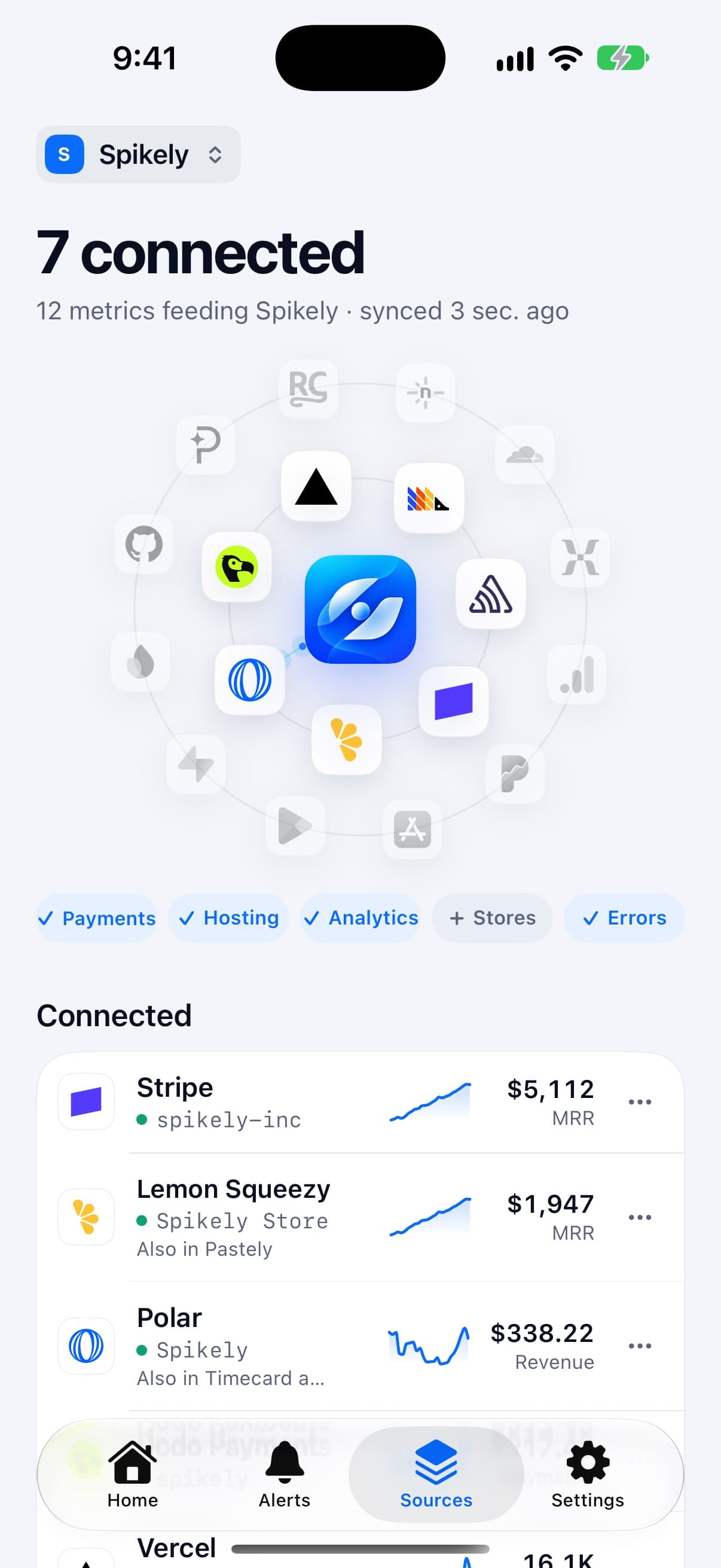
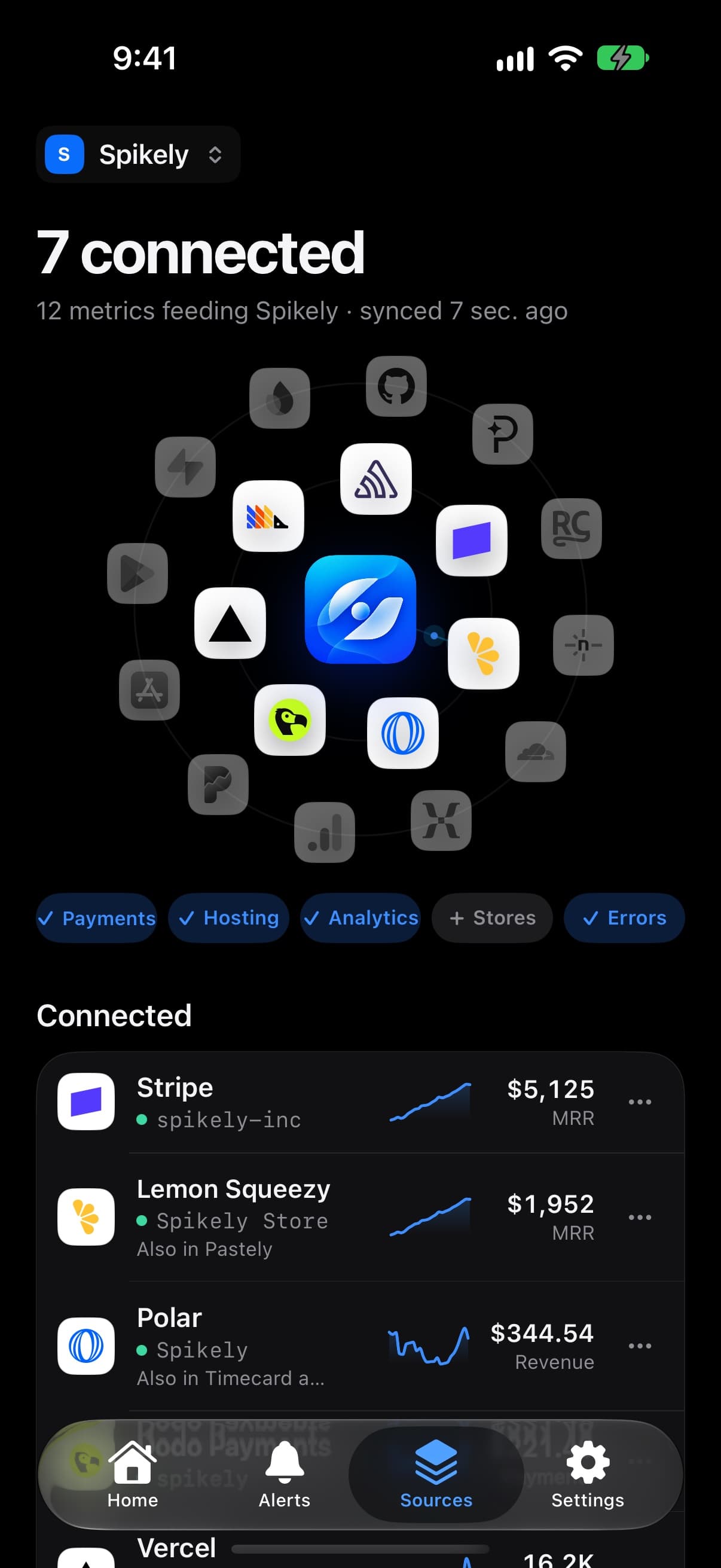
- Connect Vercel, Netlify or GitHub too, so Why can show which deploy went out before errors moved.
Questions, answered plainly.
Connect Sentry in Spikely with a personal token that can read your organization and issues. New and returning issues arrive as pushes, and Spikely alerts when the error count leaves its usual range.
Sentry's alert rules notify email, Slack and other integrations you set up. Spikely is another option for founders who want error tracking pushes on iPhone and Apple Watch, next to revenue and traffic.
No. Events of the same kind that land together arrive as one notification, like 5 new errors, and you can pick Big moves only to hear about fewer spikes.

Connect Sentry. Hear when it matters.
Spikely watches Sentry and 18 other tools, learns what normal looks like for each number, and tells you the minute one breaks pattern.
3 days free on yearly · iPhone, iPad, Mac and Apple Watch
Guides for Sentry
Personal tokens let you choose scopes, and can't exceed the permissions of the person who made them.
Sentry's live status, read from its own status feed.
When signups or errors move after a release, the deploy is listed right beside them.
Downloads, ratings, trials and crashes in one place, with an alert when a release goes sideways.
Every number you own, watched for you, with one alert when something breaks pattern.
Infrastructure monitoring for engineers, against business numbers for founders.
On-call routing for teams, against pattern detection for one founder.
Free tools
Turn 99.9% into real downtime per month and year, and work out your actual uptime after an outage.
Paste a metric and test alert settings against your own history before they wake you up at 3 AM.
What Stripe, Vercel, GitHub and more say about themselves right now, from their own status feeds.