Timecard
 Pastely
 Archly

App Store Connect widget and sales alerts for iPhone and Mac
Your App Store numbers, every morning without logging in.
Downloads, proceeds, subscribers, trials and cancellations from App Store Connect in iPhone and Mac widgets, with an alert when one breaks pattern.

Timecard · Above its usual range
Timecard · Below its usual range
The short answer
Spikely connects to App Store Connect with an API key that has the Sales role and reads downloads, proceeds, rating, subscribers, trials, conversions and cancellations for each app. Apple publishes these a day late, so Spikely compares each day with recent days and alerts you when one breaks pattern.
Checked against Spikely's App Store Connect connector. Updated .
- Reads
- Downloads, Proceeds, Rating, Subscribers, Trials, Conversions, Cancellations
- Notifies you about
- None, alerts on moves only
- Checked every
- 6 hours
- Key
- Team API key, limited by role
- Runs on
- iPhone, iPad, Mac, Apple Watch
- Price
- $9.99 a month or $79.99 a year, 3 days free on yearly
What does Spikely read from App Store Connect? 7 numbers, each with its own usual range.
| Metric | What it is, and what a move usually means |
|---|---|
| Downloads | First-time downloads each day. A jump often means featuring or a ranking change. |
| Proceeds | What you earn after Apple's commission, converted to US dollars. |
| Rating | Your average rating in the US App Store. Alerts when it moves enough to matter. |
| Subscribers | Active paid subscriptions, from Apple's subscription report. |
| Trials | New free trials started. A fall after an update can mean a paywall problem. |
| Conversions | Trials that became paid subscriptions. |
| Cancellations | Subscriptions that were cancelled. A cluster is worth reading next to the release notes. |
Spikely compares each hour, or each day for tools that report daily, with the same point on recent days and weeks, so a quiet night and a busy afternoon each get their own range. On connect it reads recent history, usually the last 30 days, so alerts don't wait weeks to start.
Which App Store Connect events notify you?
Apple has no live sales feed. Spikely checks every 6 hours and reads each day's reports as Apple publishes them, the next morning Pacific Time.
How to connect App Store Connect to Spikely
- 01
In App Store Connect, open Users and Access, then Integrations, then App Store Connect API.
- 02
Generate a team key named Spikely with the Sales role, and download the .p8 file. Apple only lets you download it once.
- 03
In Spikely, choose the file. The Key ID fills in from the file name. Paste the Issuer ID from the top of the same page.
- 04
Add your vendor number, shown at the top left of Payments and Financial Reports.
Only the Account Holder or an Admin can create team keys. Sales numbers arrive a day late, the way Apple publishes them.

Good to know before you connect App Store Connect.
- Only the Account Holder or an Admin can create team API keys.
- Sales numbers arrive a day late, the way Apple publishes them. Daily reports go back one year.
- Rating comes from the US App Store listing.
Questions, answered plainly.
Spikely adds one. Build a widget with downloads, proceeds, trials or subscribers and put it on your Home Screen, Lock Screen, StandBy, Mac desktop or Apple Watch, next to numbers from your other tools.
Not from App Store Connect, which reports sales a day later. For a push per purchase, connect RevenueCat, which sends each purchase to Spikely as it happens.
The Sales role, which can read sales and trends reports. Spikely doesn't need Admin, App Manager or Finance.
Apple publishes each Pacific Time day's sales and subscription reports the next morning. Spikely reads them as soon as they appear.

Connect App Store Connect. Hear when it matters.
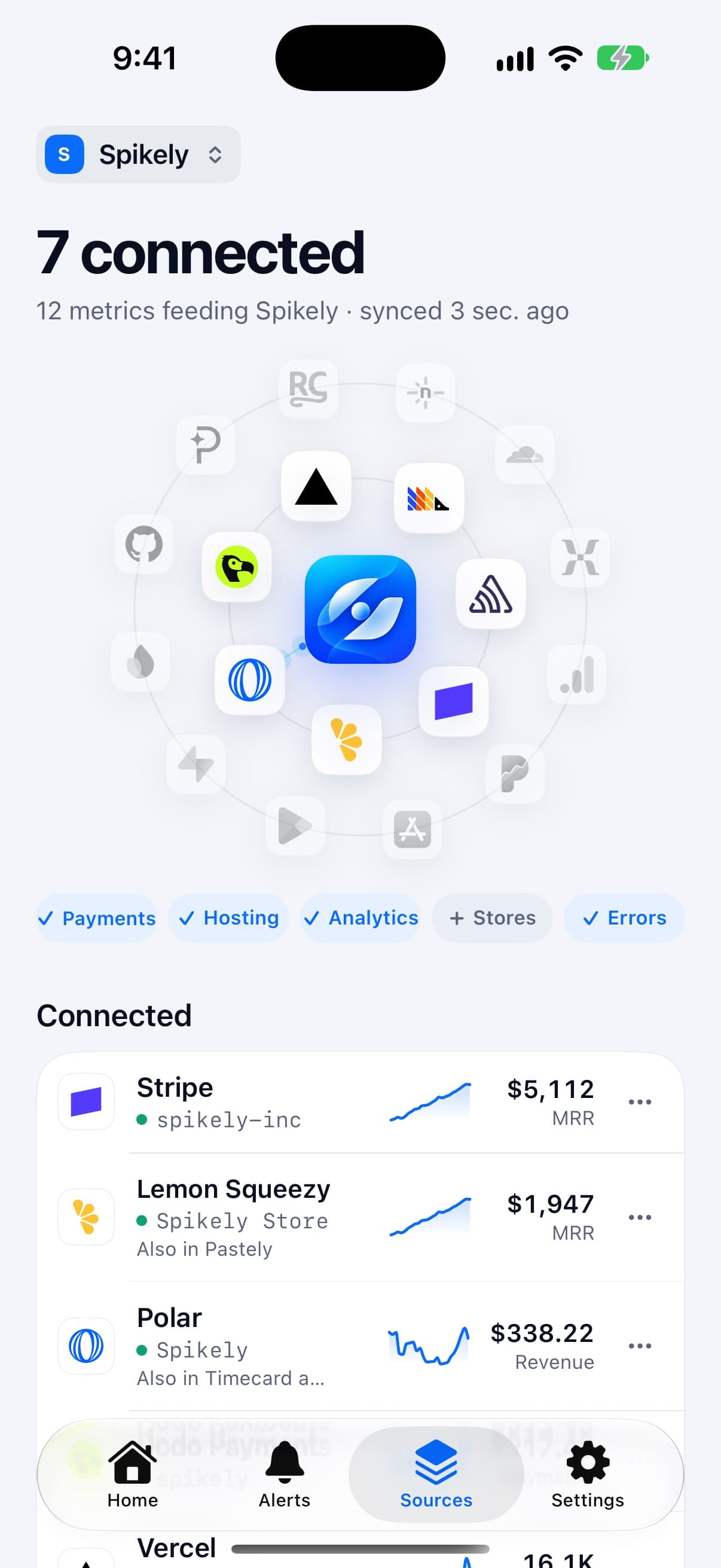
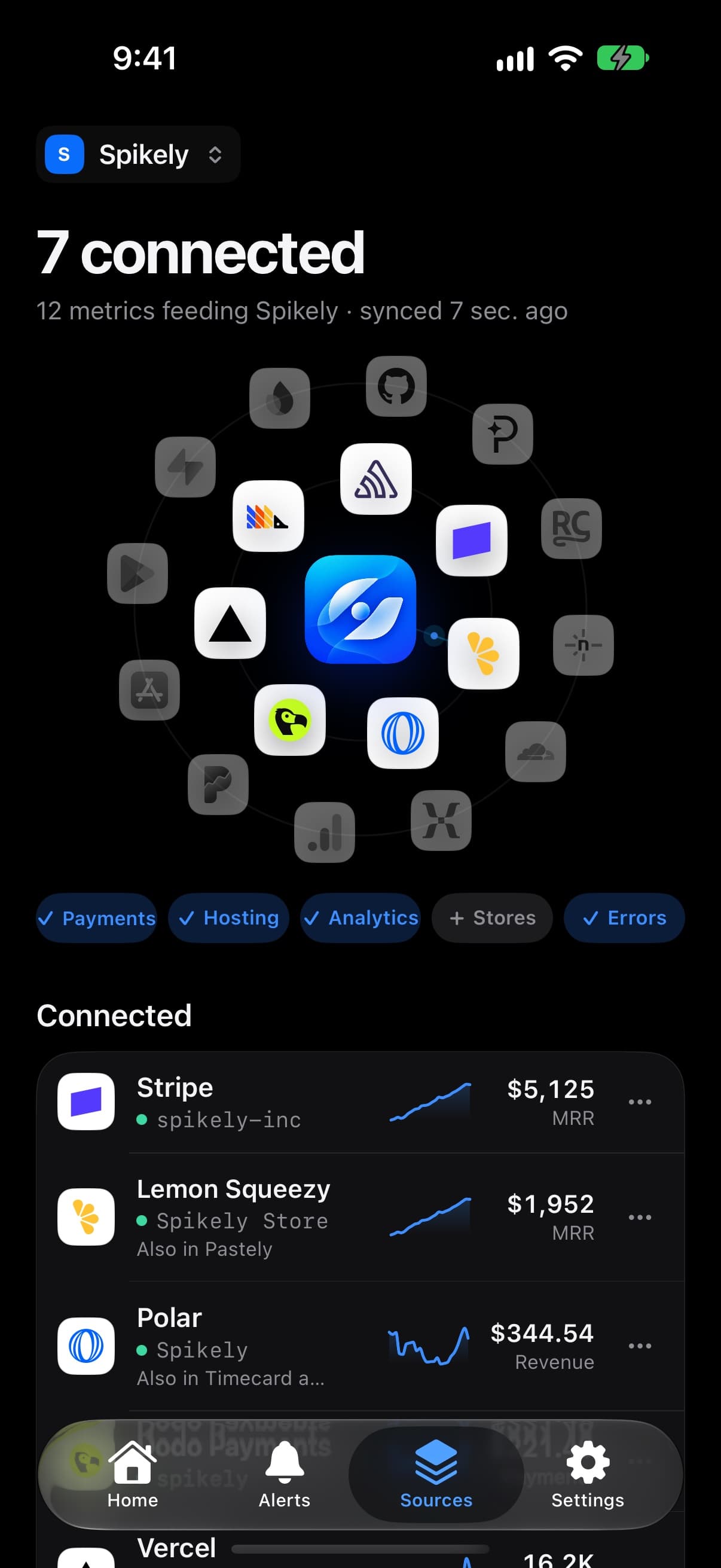
Spikely watches App Store Connect and 18 other tools, learns what normal looks like for each number, and tells you the minute one breaks pattern.
3 days free on yearly · iPhone, iPad, Mac and Apple Watch
Guides for App Store Connect
Team keys take a role. Sales or Finance fits reporting, but those roles aren't a strict read-only switch.
App Store Connect's live status, read from its own status feed.
Downloads, ratings, trials and crashes in one place, with an alert when a release goes sideways.
MRR, sales, traffic and errors in widgets on iPhone, Mac and Apple Watch.
One project per startup, with separate keys, even for two accounts of the same tool.
Free tools
See your ARR, when you'll hit your target, and the ceiling your churn is quietly setting.
Check whether each customer is worth what you pay to win them, and how fast you earn it back.
Turn $10K MRR or your first 1,000 users into a card worth posting. No design tools.