 Timecard
 Pastely


Monitor Several Startups From One iPhone App
Three products. Three sets of dashboards. One place to look.
Each extra product multiplies the logins you have to check. Spikely gives every startup its own project with its own keys, so one phone can watch all of them without mixing up their numbers.

$1,680, usually $734 to $994. 94% above usual.
 PolarOrders rose above their usual range
 PlausibleVisitors rose in the same hour
 GitHubStars picked up shortly before
The short answer
Founders with several products use Spikely by creating one project per startup. Each project has its own sources and keys, and the same tool can be connected in several projects with a different account in each. You switch projects from the top of Home.
 Written by Prince Ajuzie, who builds Spikely.
Updated
- Connects to


 and 15 more
- Access
- Read-only keys
- Runs on
- iPhone, iPad, Mac, Apple Watch
- Price
- $9.99 a month or $79.99 a year, 3 days free on yearly
Why several products are hard to watch
Account switching gets in the way
Signing out of one Stripe account and into another takes long enough that you stop doing it, and the product you check least gets the least attention.
Your attention follows the newest thing
The older product keeps earning while you build the new one, right up until something breaks and nobody is looking.
Each product has its own normal
A figure that would be a great day for one product could be a bad hour for another. A shared threshold can't describe both.
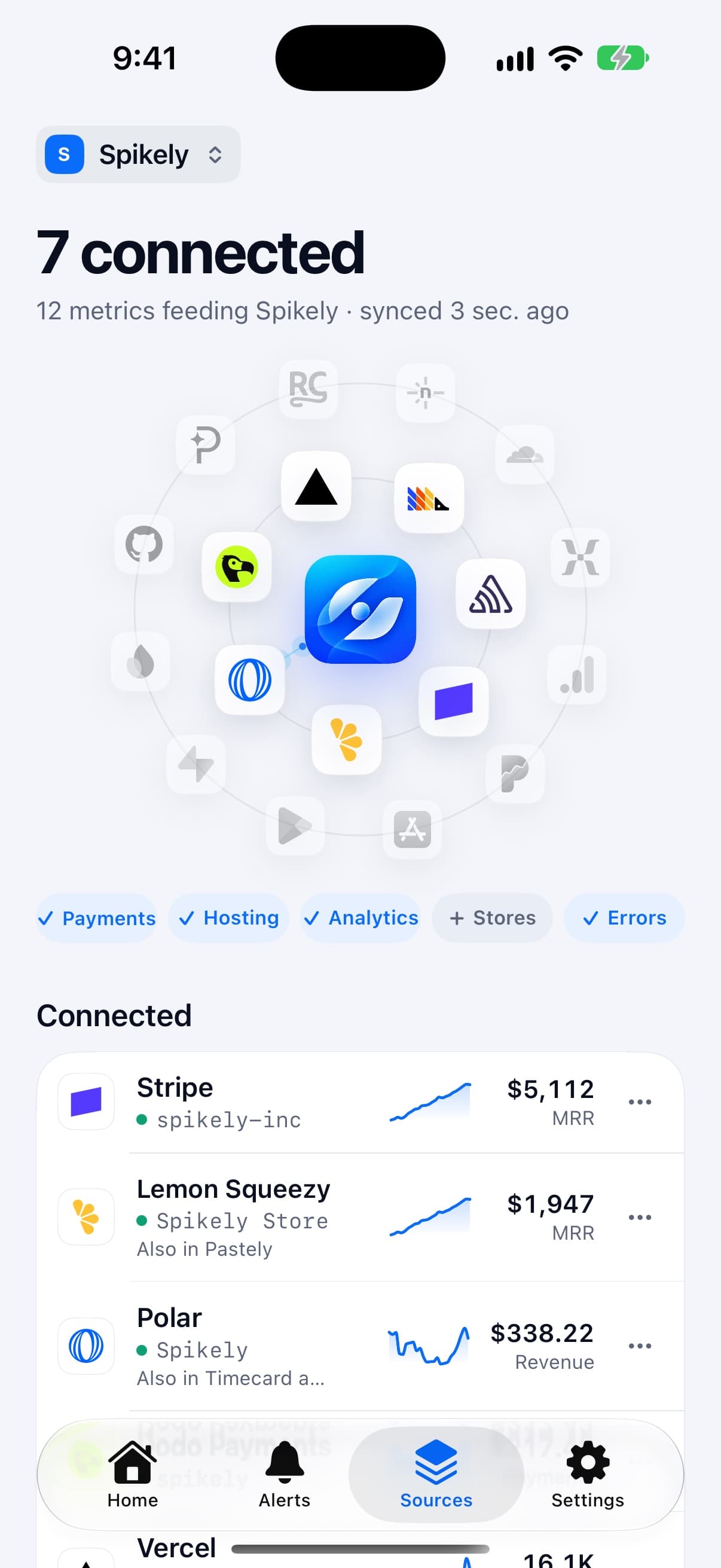
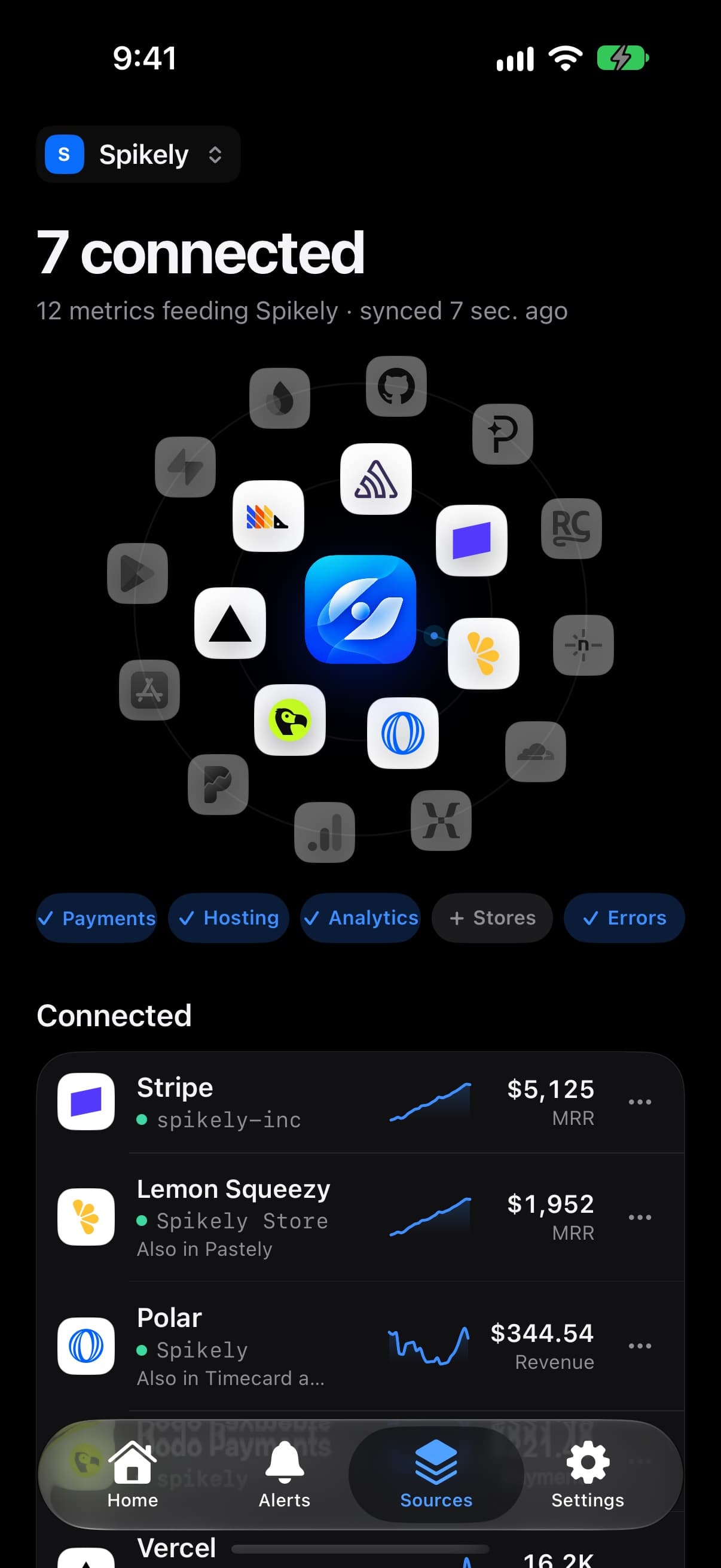

How projects keep things separate
One project per startup
Each project holds its own sources and its own keys. Switch between them from the top of Home.
Two accounts of the same tool
The same source, like Polar, can be connected in several projects with a different account in each.
Ranges learned per metric
Each number gets a range from its own history, so a small product is never judged against a big one.
It follows you between devices
Once you sign in, projects, sources and widgets follow you across iPhone, iPad, Mac and Apple Watch.
Which numbers to watch and what a break usually means.
| Number | Read from | What a break usually means |
|---|---|---|
| Revenue per product | Stripe | Which product actually moved, not just that a total changed |
| Orders | Lemon Squeezy | A launch or mention landing on one specific product |
| Visitors | Plausible | Which site picked up, or lost, attention |
| Errors | Sentry | A problem in the product you weren't working on today |
These are common readings, not diagnoses. Spikely shows what moved and what your tools recorded, and you decide what it means.
How to set it up
Install Spikely
Get it from the App Store. You can look around first, and signing in turns on alerts.
Connect Stripe
Add a key with the narrowest access available, using our Stripe key guide. Then add your other tools the same way.
Choose a sensitivity
Big moves only, Balanced or Every move. Add your own rules for any line you care about.
When Spikely is the wrong tool.
You want combined portfolio reports
Projects are kept apart on purpose. If you need revenue rolled up across companies, use a finance tool.
A team needs shared access
Spikely is built for a founder's own devices. It doesn't have team roles or on-call rotations.
Questions, answered plainly.
Yes. Put each account in its own project. The same source can be connected in several projects with a different account in each.
From the top of Home. Each project shows its own sources and numbers.
No. Each project has its own keys, and they are encrypted in your iPhone's Keychain.
Stop checking. Start hearing about it.
Spikely learns what normal looks like for every number your startup runs on, and tells you when one breaks pattern, with what changed around it.
3 days free on yearly · iPhone, iPad, Mac and Apple Watch
More use cases
Every number you own, watched for you, with one alert when something breaks pattern.
An alert when MRR, new subscriptions or churn stop looking like themselves.
Downloads, ratings, trials and crashes in one place, with an alert when a release goes sideways.
The 24 hours after you post, in the Dynamic Island, with a count of what needs you.
Free tools for this
See how many months of cash you have, and whether you reach profitability before it runs out.
A small badge for your README or site, clearly labelled as self-reported.
The narrowest key each tool offers, the exact steps to make it, and which ones can't be limited.