Timecard
 Pastely
 Archly


Firebase Analytics alerts on iPhone for users and sessions
Your Firebase app, with an alert when usage drops.
Sign in with Google and Spikely watches your Firebase app's active users, sessions, screen views and key events, with an alert when one breaks pattern.

Timecard · Below its usual range
Timecard · Above its usual range
The short answer
Spikely connects to Firebase when you sign in with Google and reads active users, sessions, screen views and key events from the Google Analytics property linked to your Firebase app. It learns their usual range by hour and day and alerts your iPhone or Apple Watch when one spikes or drops, such as after a release.
Checked against Spikely's Firebase connector. Updated .
- Reads
- Users, Sessions, Views, Key events
- Notifies you about
- None, alerts on moves only
- Checked every
- 15 minutes
- Key
- Service account, read-only
- Runs on
- iPhone, iPad, Mac, Apple Watch
- Price
- $9.99 a month or $79.99 a year, 3 days free on yearly
What does Spikely read from Firebase? 4 numbers, each with its own usual range.
| Metric | What it is, and what a move usually means |
|---|---|
| Users | Active users of your app. |
| Sessions | App sessions. A fall right after a release can mean the app is crashing on launch. |
| Views | Screen views. A drop on one release often points at a broken screen. |
| Key events | The conversions you marked, like purchases or sign-ups. |
Spikely compares each hour, or each day for tools that report daily, with the same point on recent days and weeks, so a quiet night and a busy afternoon each get their own range. On connect it reads recent history, usually the last 30 days, so alerts don't wait weeks to start.
Which Firebase events notify you?
Firebase is checked every 15 minutes, and recent hours settle for about 6 hours. There are no per-event pushes for Firebase.
How to connect Firebase to Spikely
- 01
In Spikely, add Firebase and choose Sign in with Google.
- 02
Use the Google account that owns the Firebase project.
- 03
Pick the app. Spikely lists Analytics properties linked to Firebase.
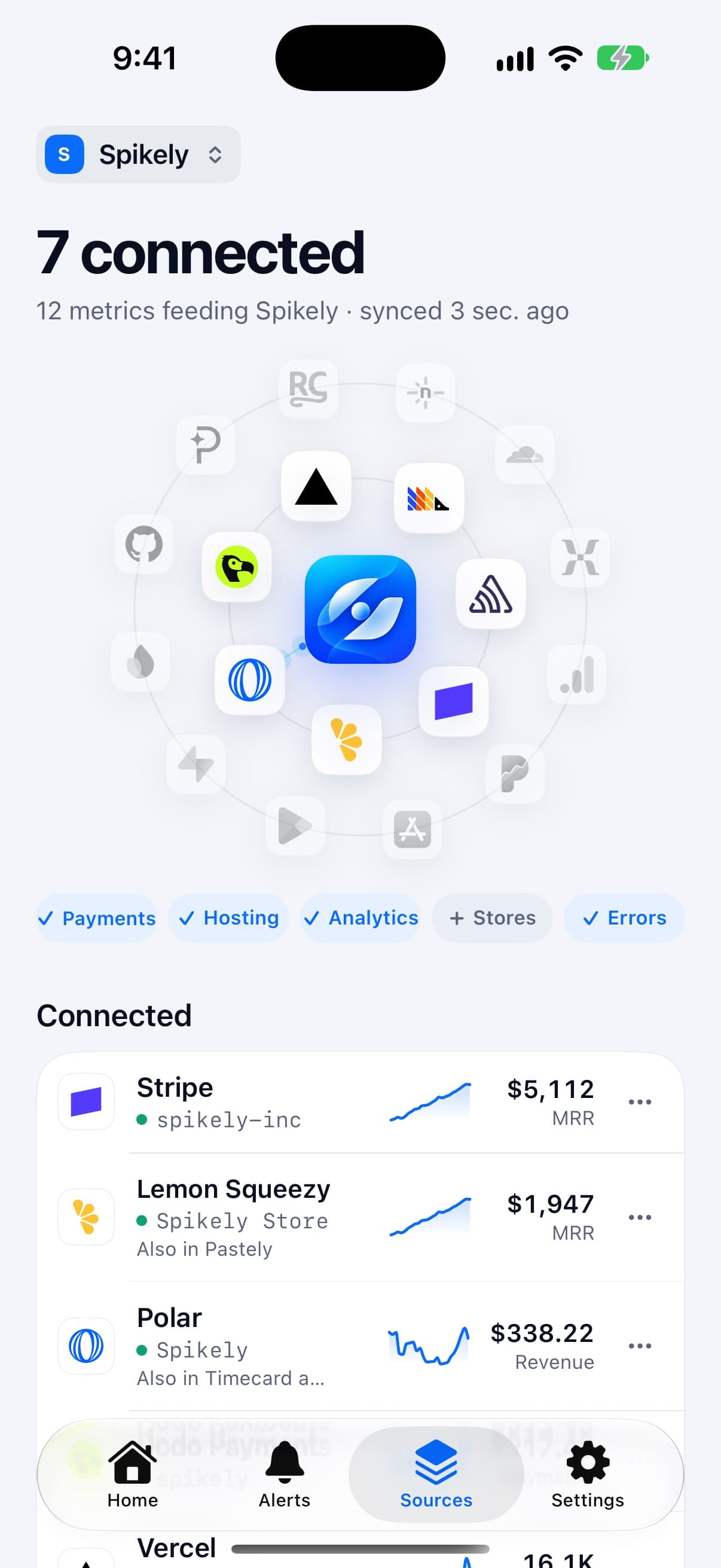
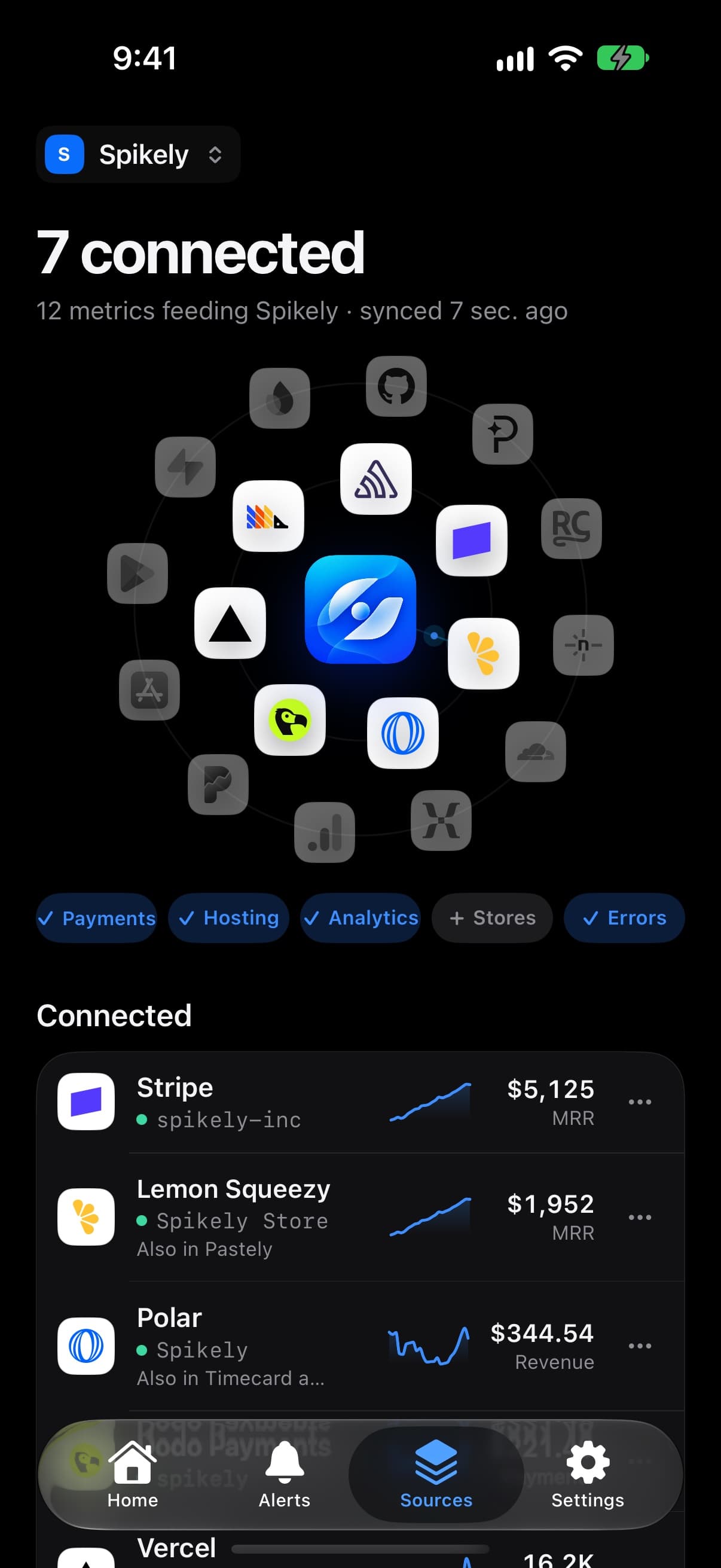

Good to know before you connect Firebase.
- Spikely reads Google Analytics for Firebase. Crashlytics isn't read, so connect Sentry or Google Play for crash numbers.
- Only Analytics properties linked to a Firebase project are listed.
Questions, answered plainly.
No. It reads Google Analytics for Firebase: users, sessions, screen views and key events. For crash numbers, connect Sentry or Google Play's crash rate.
Sign in with Google in Spikely, using the account that owns the Firebase project, and pick the app. There's no key to copy.
Yes. Any app linked to Firebase Analytics works, iOS or Android, while Spikely runs on your Apple devices.

Connect Firebase. Hear when it matters.
Spikely watches Firebase and 18 other tools, learns what normal looks like for each number, and tells you the minute one breaks pattern.
3 days free on yearly · iPhone, iPad, Mac and Apple Watch
Guides for Firebase
The predefined Firebase Viewer role gives read-only access to all Firebase services.
Firebase's live status, read from its own status feed.
Downloads, ratings, trials and crashes in one place, with an alert when a release goes sideways.
The 24 hours after you post, in the Dynamic Island, with a count of what needs you.
One project per startup, with separate keys, even for two accounts of the same tool.
Free tools
Paste any metric and see its usual range, what moved outside it, and by how much.
Paste a metric and test alert settings against your own history before they wake you up at 3 AM.
Check whether each customer is worth what you pay to win them, and how fast you earn it back.