Timecard
 Pastely
 Archly


Google Play Console alerts for installs, ratings and crashes
Your Android app, watched from your iPhone.
Spikely reads Google Play installs, rating and crash rate with a read-only service account, and alerts your iPhone when one breaks pattern after a release.

Timecard Android · Above its usual range
Timecard Android · Below its usual range
The short answer
Spikely connects to Google Play Console with a service account that can view app information and download reports, and reads installs, rating and crash rate for each app. It learns their usual range and alerts your iPhone, Mac or Apple Watch when one breaks pattern, such as crashes rising after a release.
Checked against Spikely's Google Play connector. Updated .
- Reads
- Installs, Rating, Crash rate
- Notifies you about
- None, alerts on moves only
- Checked every
- 6 hours
- Key
- Service account, read-only
- Runs on
- iPhone, iPad, Mac, Apple Watch
- Price
- $9.99 a month or $79.99 a year, 3 days free on yearly
What does Spikely read from Google Play? 3 numbers, each with its own usual range.
| Metric | What it is, and what a move usually means |
|---|---|
| Installs | New installs each day, from Play Console's statistics reports. |
| Rating | Your average rating. A drop after a release usually shows up here last. |
| Crash rate | User-perceived crash rate from Android vitals. Lower is better. |
Spikely compares each hour, or each day for tools that report daily, with the same point on recent days and weeks, so a quiet night and a busy afternoon each get their own range. On connect it reads recent history, usually the last 30 days, so alerts don't wait weeks to start.
Which Google Play events notify you?
Google Play has no live feed. Spikely checks every 6 hours. Installs and ratings arrive 3 to 7 days late, the way Google publishes them.
How to connect Google Play to Spikely
- 01
In Google Cloud, create a service account named Spikely and download a JSON key.
- 02
Turn on the Play Developer Reporting API, and check the Cloud Storage JSON API is on.
- 03
In Play Console, invite the service account's email with View app information and Download bulk reports, for the whole account.
- 04
Copy your Cloud Storage URI from Download reports, then Statistics, and paste it into Spikely with the key file.
Play Console can take a few hours to give a new account access. Installs and ratings arrive 3 to 7 days late, the way Google publishes them.
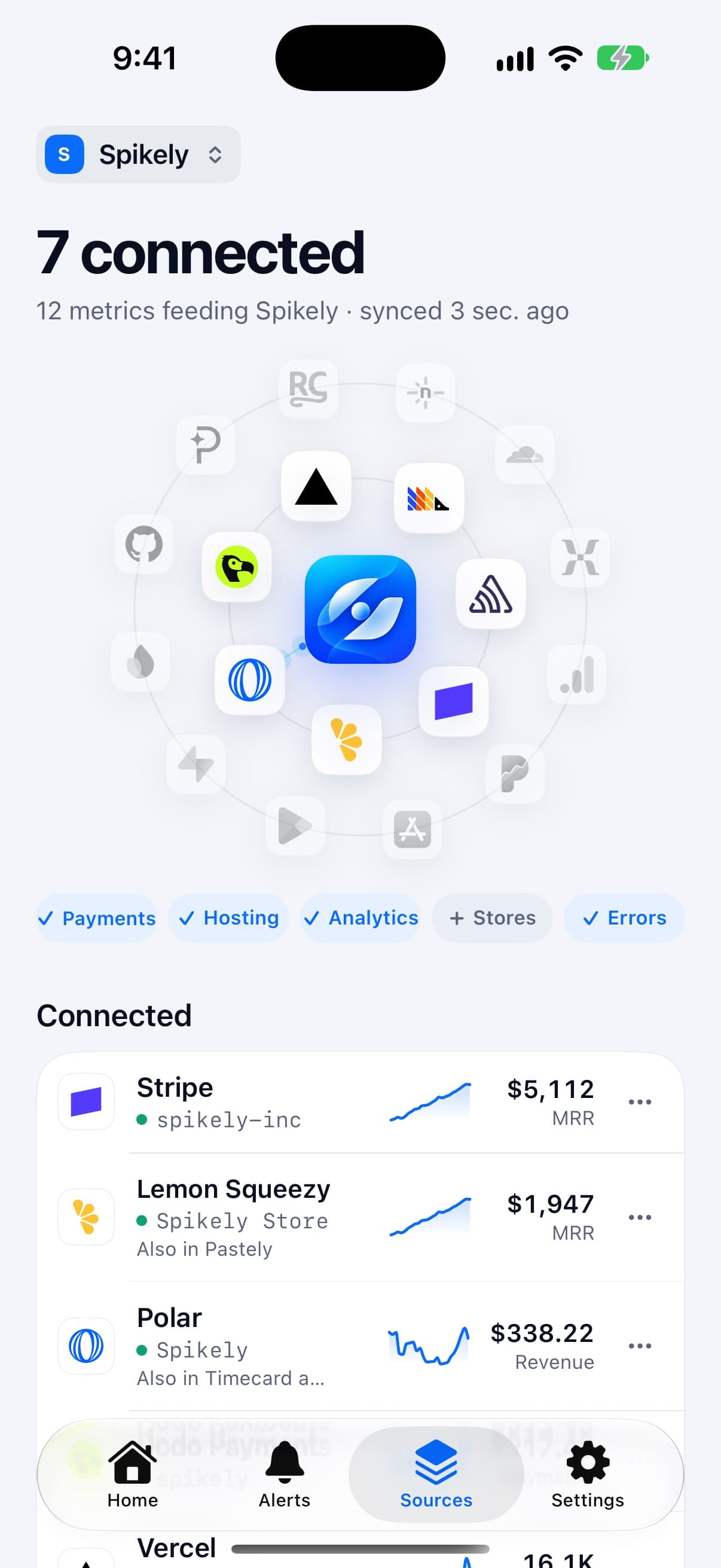
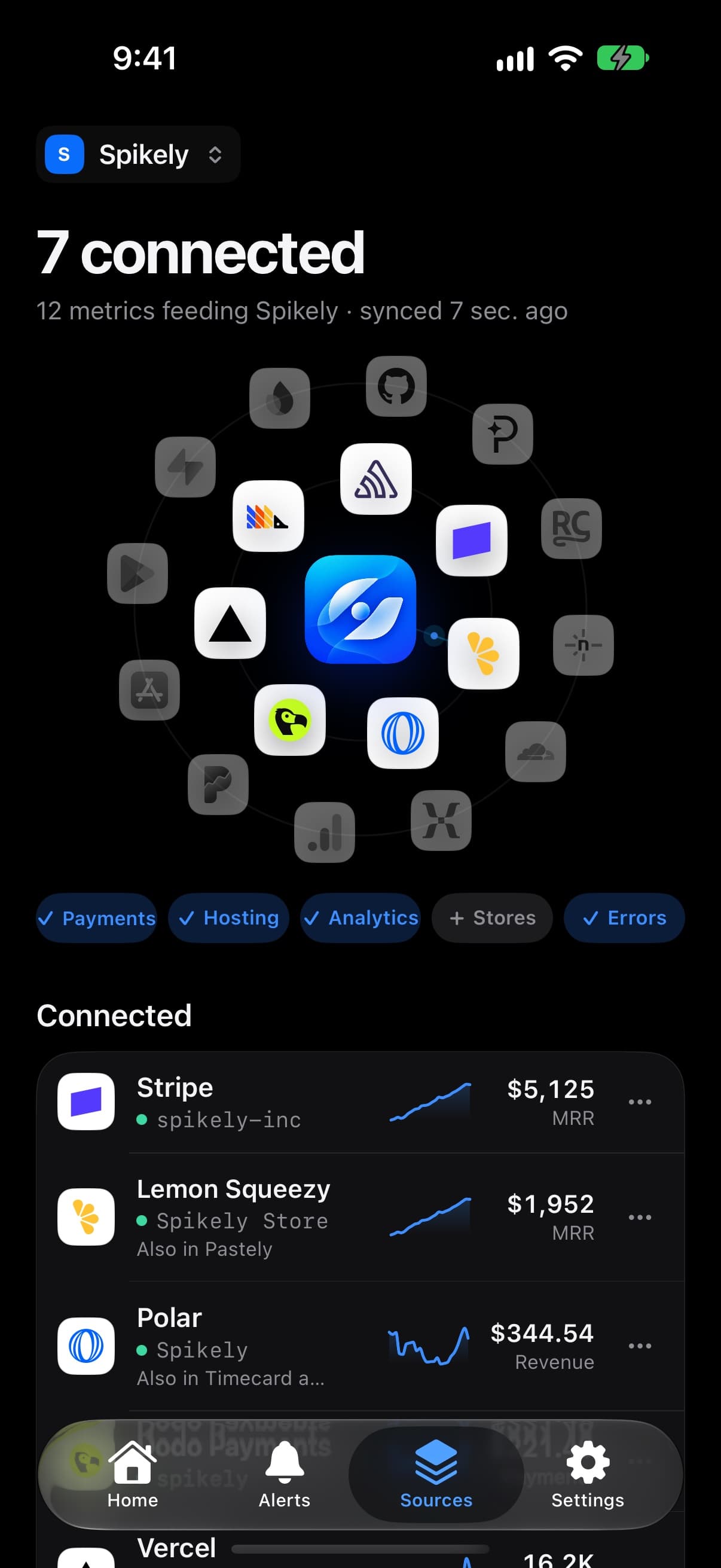
Good to know before you connect Google Play.
- Play Console can take a few hours to give a new service account access.
- Spikely itself runs on Apple devices, but it reads your Android app's numbers.
Questions, answered plainly.
Yes. Spikely runs on Apple devices but reads Google Play Console through a service account, so installs, rating and crash rate for your Android app show up next to your other numbers.
Google publishes installs and ratings in reports that land 3 to 7 days later, so Spikely waits for each day to settle before comparing it.
View app information and Download bulk reports, granted to the service account for the whole account. Nothing that can publish or change your app.

Connect Google Play. Hear when it matters.
Spikely watches Google Play and 18 other tools, learns what normal looks like for each number, and tells you the minute one breaks pattern.
3 days free on yearly · iPhone, iPad, Mac and Apple Watch
Guides for Google Play
Invite a Google Cloud service account to Play Console with view permissions only.
Downloads, ratings, trials and crashes in one place, with an alert when a release goes sideways.
When signups or errors move after a release, the deploy is listed right beside them.
One project per startup, with separate keys, even for two accounts of the same tool.
Free tools
Paste any metric and see its usual range, what moved outside it, and by how much.
Turn 99.9% into real downtime per month and year, and work out your actual uptime after an outage.
Paste a metric and test alert settings against your own history before they wake you up at 3 AM.