Timecard
 Pastely
 Archly


Vercel deploy notifications and traffic alerts on iPhone
Know a deploy failed before your users do.
Get a push when a Vercel deploy fails or goes live, and an alert when visitors or page views break pattern. Works on Hobby and Pro, with widgets on iPhone.

Timecard web · Build exited with code 1
Pastely · Above its usual range
Timecard web · Below its usual range
The short answer
Spikely connects to a Vercel project with a token scoped to one team and sends a push when a production deploy fails or goes live. It reads visitors and page views from Vercel Web Analytics, learns their usual range by hour and day, and alerts your iPhone when traffic spikes or drops.
Checked against Spikely's Vercel connector. Updated .
- Reads
- Visitors, Page views, Deployments, Failed deployments
- Notifies you about
- Deployed, Deploy failed
- Checked every
- 10 minutes
- Key
- Access token, scope only
- Runs on
- iPhone, iPad, Mac, Apple Watch
- Price
- $9.99 a month or $79.99 a year, 3 days free on yearly
What does Spikely read from Vercel? 4 numbers, each with its own usual range.
| Metric | What it is, and what a move usually means |
|---|---|
| Visitors | Unique visitors from Vercel Web Analytics. Alerts on a traffic spike or a sudden drop. |
| Page views | Every page load. A fall with steady visitors can mean a broken page. |
| Deployments | Production deploys that finished. Why uses them to show what shipped right before a move. |
| Failed deployments | Builds that errored. Alerts when failures climb above their usual count. |
Spikely compares each hour, or each day for tools that report daily, with the same point on recent days and weeks, so a quiet night and a busy afternoon each get their own range. On connect it reads recent history, usually the last 30 days, so alerts don't wait weeks to start.
Which Vercel events notify you?
- Deployed
- Deploy failed
Vercel only offers webhooks on Pro and Enterprise teams. There, Spikely adds one and deploys arrive in seconds. On Hobby, deploys still arrive at the next check, every 10 minutes.
Each one can be switched on or off per project under Notify me about.
How to connect Vercel to Spikely
- 01
Open Tokens
Account SettingsTokens - 02
Create a token named Spikely
Set Scope to the team that owns your project, and pick an expiry far ahead.
- 03
Turn on Web Analytics
Visitors and page views need it switched on in the project's Analytics tab. Deployments work without it.
- 04
Copy it and paste it into Spikely
It starts with vcp_.
Vercel tokens can't be limited to read-only. Scoping it to one team keeps it away from everything else, and Spikely only ever reads.
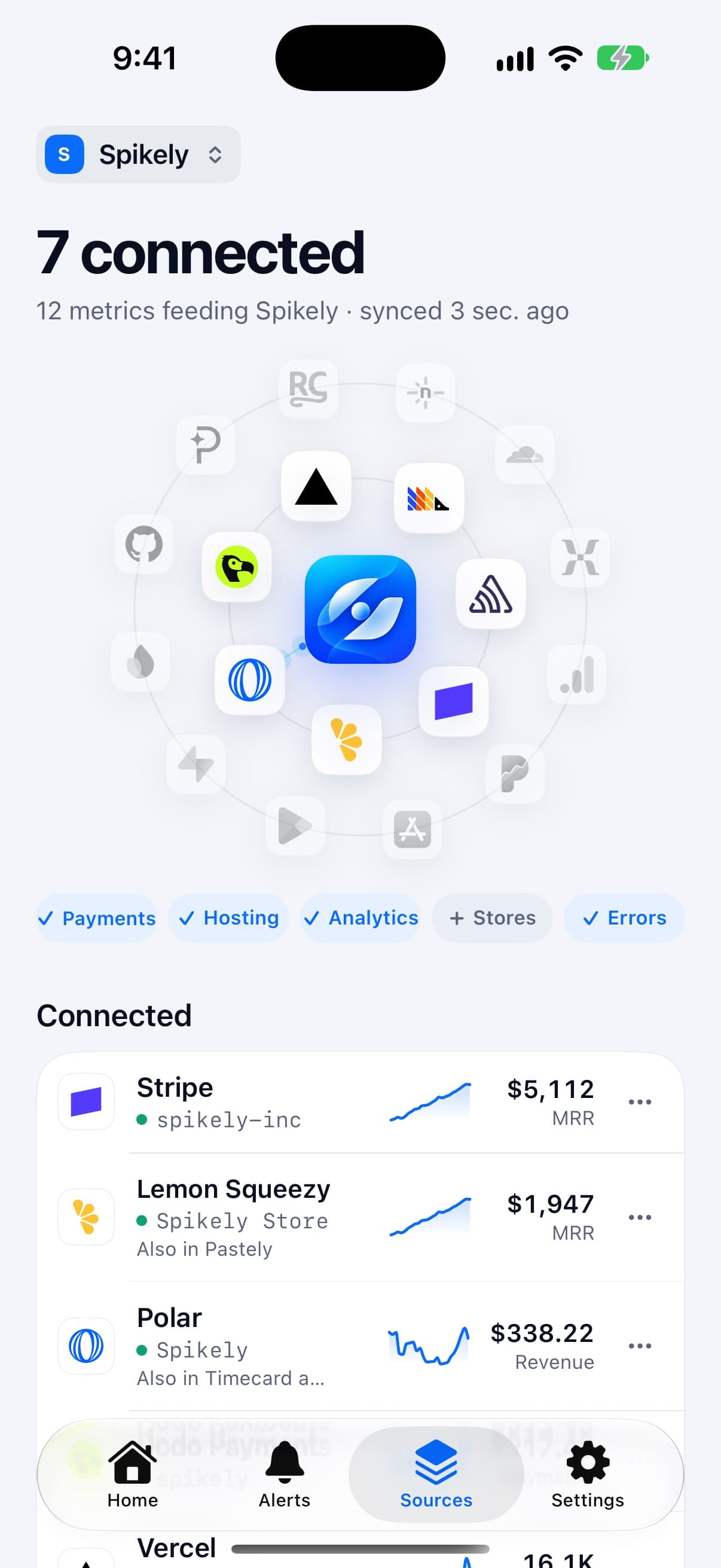
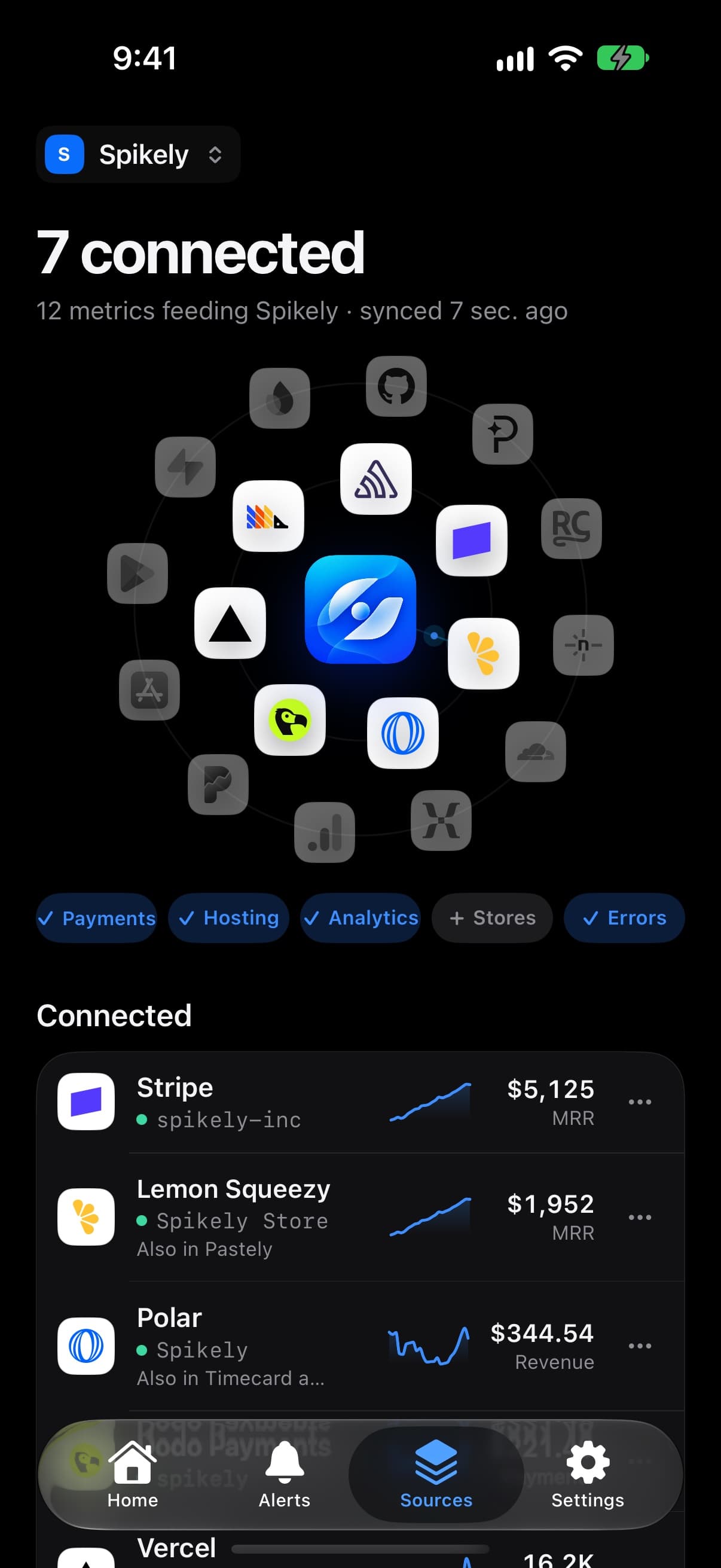

Good to know before you connect Vercel.
- Visitors and page views need Web Analytics switched on in the project's Analytics tab. Deploys work without it.
- Vercel tokens can't be limited to read-only. Scope the token to the team that owns the project to keep it away from everything else.
- History goes back as far as your plan keeps analytics. Pro keeps 12 months.
Questions, answered plainly.
Connect your Vercel project in Spikely with a team-scoped token. Failed and successful production deploys arrive as pushes: instantly on Pro and Enterprise teams through a webhook, and within 10 minutes on Hobby.
Yes. Deploy failed is on by default under Notify me about. Spikely also tracks failed deployments as a metric and alerts when they climb above their usual count.
Only for visitors and page views. Turn on Web Analytics in the project's Analytics tab. Deploy notifications work without it.
Our Is It Down page reads Vercel's own status feed about once a minute and shows any open incidents.

Connect Vercel. Hear when it matters.
Spikely watches Vercel and 18 other tools, learns what normal looks like for each number, and tells you the minute one breaks pattern.
3 days free on yearly · iPhone, iPad, Mac and Apple Watch
Guides for Vercel
Tokens can't be read-only, but they can be limited to one team or a single project.
Vercel's live status, read from its own status feed.
When signups or errors move after a release, the deploy is listed right beside them.
An alert when visitors jump above their usual range, with the referrer if it was recorded.
The 24 hours after you post, in the Dynamic Island, with a count of what needs you.
On-call routing for teams, against pattern detection for one founder.
Infrastructure monitoring for engineers, against business numbers for founders.
Free tools
Turn 99.9% into real downtime per month and year, and work out your actual uptime after an outage.
Paste any metric and see its usual range, what moved outside it, and by how much.
Paste a metric and test alert settings against your own history before they wake you up at 3 AM.