Timecard
 Pastely
 Archly


Paddle sales notifications and MRR alerts for iPhone and Mac
Paddle transactions, as they complete.
Get a push for every Paddle transaction, new subscriber, renewal and refund, and an alert when MRR or churn breaks pattern. Read-only key, widgets too.

Timecard · $612 today
Timecard · Below its usual range
The short answer
Spikely connects to Paddle Billing with an API key set to Read and sends a push for every completed transaction, new subscriber, renewal, refund and cancellation. It learns the usual range of your MRR, revenue and churn by hour and day, and alerts your iPhone, Mac or Apple Watch when a number breaks pattern.
Checked against Spikely's Paddle connector. Updated .
- Reads
- MRR, Revenue, Sales, New subscriptions, Churned subscriptions, Refunds
- Notifies you about
- New sale, New subscriber, Renewal, Subscription cancelled, Refund
- Checked every
- 10 minutes
- Key
- API key, read-only
- Runs on
- iPhone, iPad, Mac, Apple Watch
- Price
- $9.99 a month or $79.99 a year, 3 days free on yearly
What does Spikely read from Paddle? 6 numbers, each with its own usual range.
| Metric | What it is, and what a move usually means |
|---|---|
| MRR | Monthly recurring revenue from active Paddle subscriptions, converted to US dollars. |
| Revenue | Money taken each hour, so a quiet afternoon or a sudden rush shows up the same day. |
| Sales | How many payments went through. A drop to zero often means checkout broke. |
| New subscriptions | Fresh subscribers. A jump usually follows a post, a mention or a launch. |
| Churned subscriptions | Cancellations. A cluster of them points at a price change, a bug or a failed renewal run. |
| Refunds | Money handed back. A rise is worth reading before it becomes a pattern. |
Spikely compares each hour, or each day for tools that report daily, with the same point on recent days and weeks, so a quiet night and a busy afternoon each get their own range. On connect it reads recent history, usually the last 30 days, so alerts don't wait weeks to start.
Which Paddle events notify you?
- New sale
- New subscriber
- Renewal
- Subscription cancelled
- Refund
Give the key Notification settings: Write, or create a new key with it. Spikely then adds one notification destination. Without it, events arrive at the next check, every 10 minutes.
Each one can be switched on or off per project under Notify me about. Sales, new subscribers and renewals play a cha-ching.
How to connect Paddle to Spikely
- 01
Open API keys
Developer toolsAuthenticationAPI keys - 02
Create a key named Spikely
Set the expiry far ahead.
- 03
Give these Read
- Transactions
- Adjustments
- Subscriptions
- Notifications
- 04
Copy it and paste it into Spikely
It starts with pdl_live_apikey_.
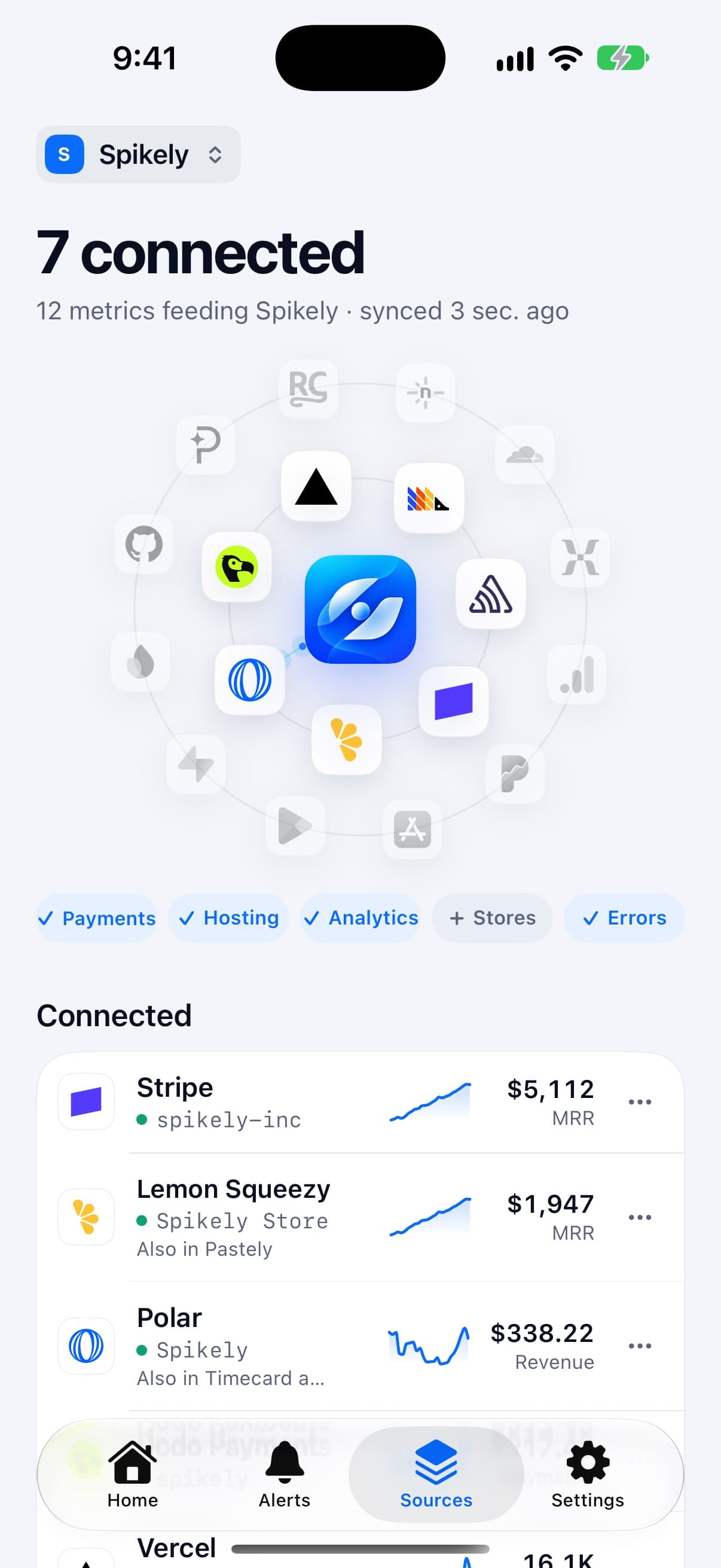
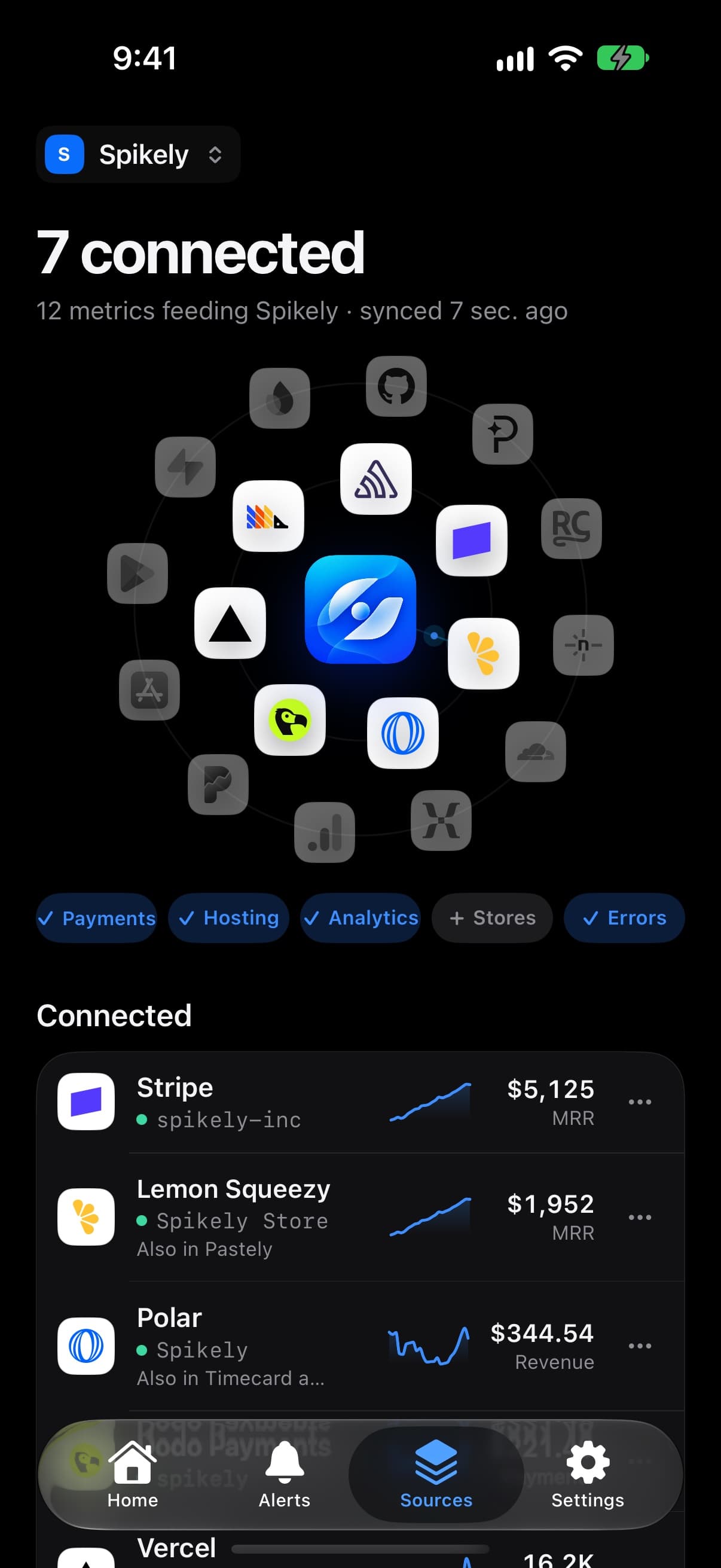

Good to know before you connect Paddle.
- The key needs Read on Transactions, Adjustments, Subscriptions and Notifications.
- Revenue uses payout totals when Paddle provides them, so fees and tax don't inflate the number.
- Sandbox keys start with pdl_sdbx_ and work the same way.
Questions, answered plainly.
Spikely uses Paddle Billing's API, with keys that start with pdl_live_apikey_ or pdl_sdbx_apikey_. Paddle Classic accounts use a different API that Spikely doesn't read.
Read on Transactions, Adjustments, Subscriptions and Notifications. Notification settings: Write is optional and turns on instant alerts.
Yes. Approved refund adjustments arrive as a Refund notification with the amount, and count toward the Refunds metric.

Connect Paddle. Hear when it matters.
Spikely watches Paddle and 18 other tools, learns what normal looks like for each number, and tells you the minute one breaks pattern.
3 days free on yearly · iPhone, iPad, Mac and Apple Watch
Guides for Paddle
Permissions are set per entity, as read or write. Keys expire after 90 days by default, a year at most.
Paddle's live status, read from its own status feed.
A push with a cha-ching for every sale, from any billing tool you connect.
An alert when MRR, new subscriptions or churn stop looking like themselves.
An alert when revenue falls below its own usual range, with no fixed threshold to maintain.
Deep subscription analytics on the web, against pattern alerts on your phone.
Free subscription reporting for small startups, against alerts across your stack.
Free tools
See your ARR, when you'll hit your target, and the ceiling your churn is quietly setting.
Work out customer, gross and net revenue churn, what it means over a year, and how long customers stay.
Check whether each customer is worth what you pay to win them, and how fast you earn it back.