 Timecard
 Pastely
 Archly


Google Analytics alerts on iPhone for traffic spikes and drops
GA4 traffic, without opening Analytics.
Sign in with Google and Spikely watches GA4 users, sessions, views and key events, then alerts your iPhone when traffic spikes or drops below normal.

Pastely · Above its usual range
Pastely · Below its usual range
The short answer
Spikely connects to Google Analytics 4 when you sign in with Google, and watches users, sessions, views and key events for the property you pick. It learns their usual range by hour and day, alerts your iPhone, Mac or Apple Watch when traffic spikes or drops, and shows what your other tools recorded around it.
Checked against Spikely's Google Analytics connector. Updated .
- Reads
- Users, Sessions, Views, Key events
- Notifies you about
- None, alerts on moves only
- Checked every
- 15 minutes
- Key
- Service account, read-only
- Runs on
- iPhone, iPad, Mac, Apple Watch
- Price
- $9.99 a month or $79.99 a year, 3 days free on yearly
What does Spikely read from Google Analytics? 4 numbers, each with its own usual range.
| Metric | What it is, and what a move usually means |
|---|---|
| Users | Active users, as GA4 counts them. |
| Sessions | Visits to your site or app. A drop with steady users can mean shorter, single visits. |
| Views | Screen and page views. A spike usually traces back to one popular page. |
| Key events | The conversions you marked in GA4, like sign-ups or purchases. |
Spikely compares each hour, or each day for tools that report daily, with the same point on recent days and weeks, so a quiet night and a busy afternoon each get their own range. On connect it reads recent history, usually the last 30 days, so alerts don't wait weeks to start.
Which Google Analytics events notify you?
Google Analytics is checked every 15 minutes. GA4 keeps adjusting recent hours, so Spikely waits about 6 hours before treating an hour as final.
How to connect Google Analytics to Spikely
- 01
In Spikely, add Google Analytics and choose Sign in with Google.
- 02
Use the Google account that can see your Analytics property.
- 03
Pick the property to watch. Spikely lists every property that account can see.
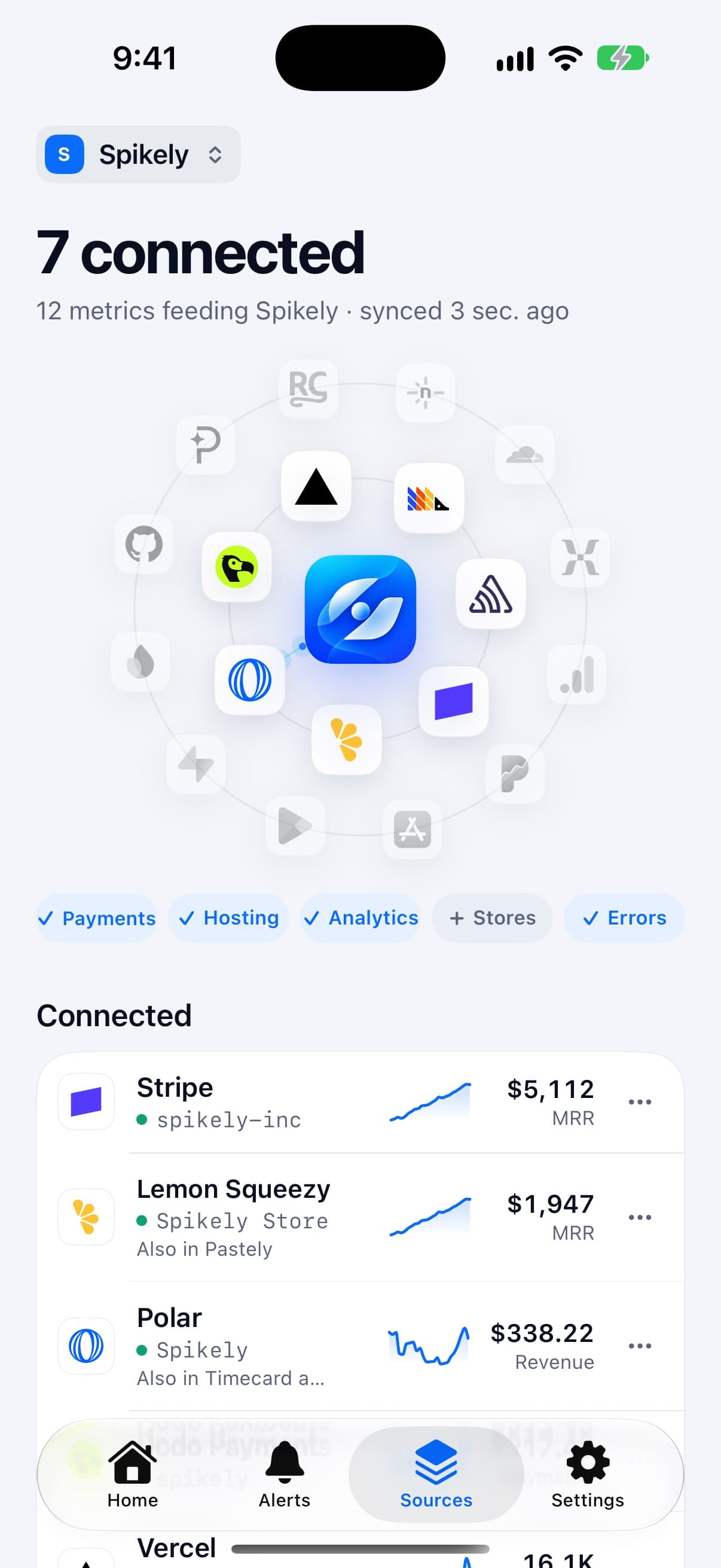
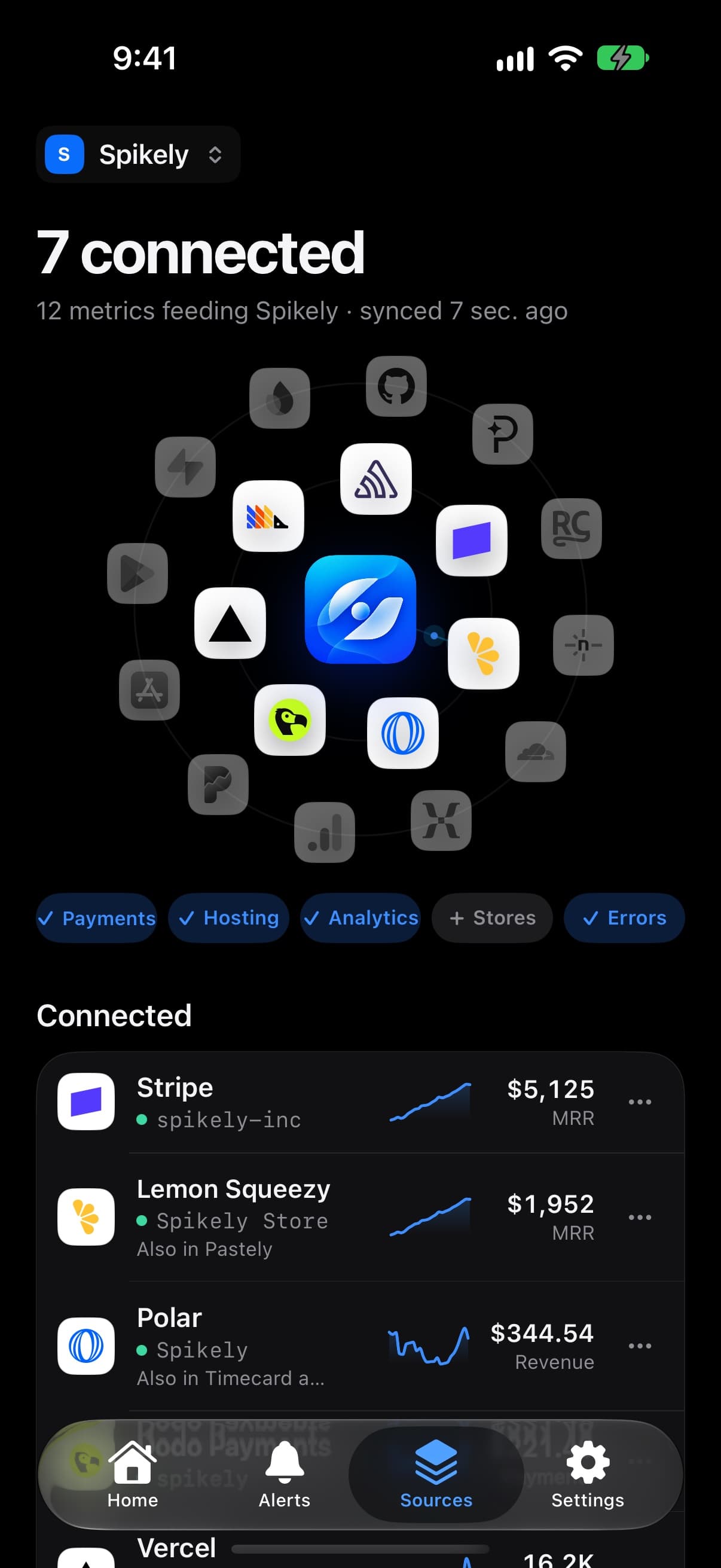

Good to know before you connect Google Analytics.
- Spikely uses the property's own time zone, so days line up with what you see in Analytics.
- GA4 numbers for the last few hours can still change, which is why a move has to hold before it alerts.
Questions, answered plainly.
GA4's custom insights can email you when a metric meets a condition you set. Spikely sends a push instead: it watches users, sessions, views and key events and alerts your iPhone when one leaves its usual range for that hour and day.
No. Universal Analytics stopped processing data in 2023. Spikely reads Google Analytics 4 properties.
Connect Google Analytics, or a hosting tool like Vercel or Cloudflare, and turn on alerts. Spikely compares each hour with the same hour on recent days, so a real drop stands out from a quiet night.

Connect Google Analytics. Hear when it matters.
Spikely watches Google Analytics and 18 other tools, learns what normal looks like for each number, and tells you the minute one breaks pattern.
3 days free on yearly · iPhone, iPad, Mac and Apple Watch
Guides for Google Analytics
Add a Google Cloud service account to one GA4 property as a Viewer.
An alert when visitors jump above their usual range, with the referrer if it was recorded.
Every number you own, watched for you, with one alert when something breaks pattern.
The 24 hours after you post, in the Dynamic Island, with a count of what needs you.
Free tools
Paste any metric and see its usual range, what moved outside it, and by how much.
Paste a metric and test alert settings against your own history before they wake you up at 3 AM.
Turn $10K MRR or your first 1,000 users into a card worth posting. No design tools.


