

Read-only keys
Where to click, what to tick and a link straight there. On iPhone and Mac.
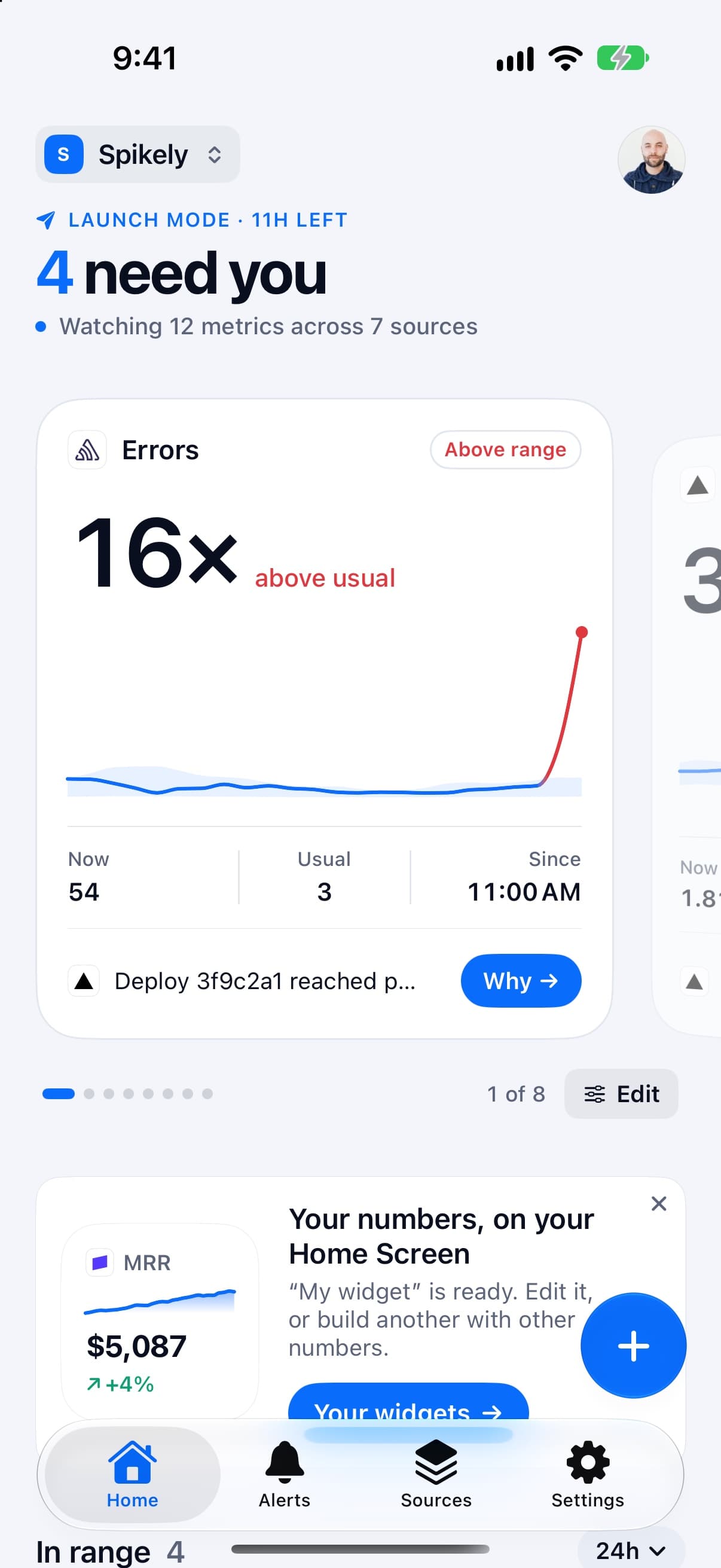
Spikely learns what normal looks like for your numbers and pings you the minute one breaks pattern.
3 days free, then $79.99 a year. iPhone, iPad, Mac and Apple Watch.


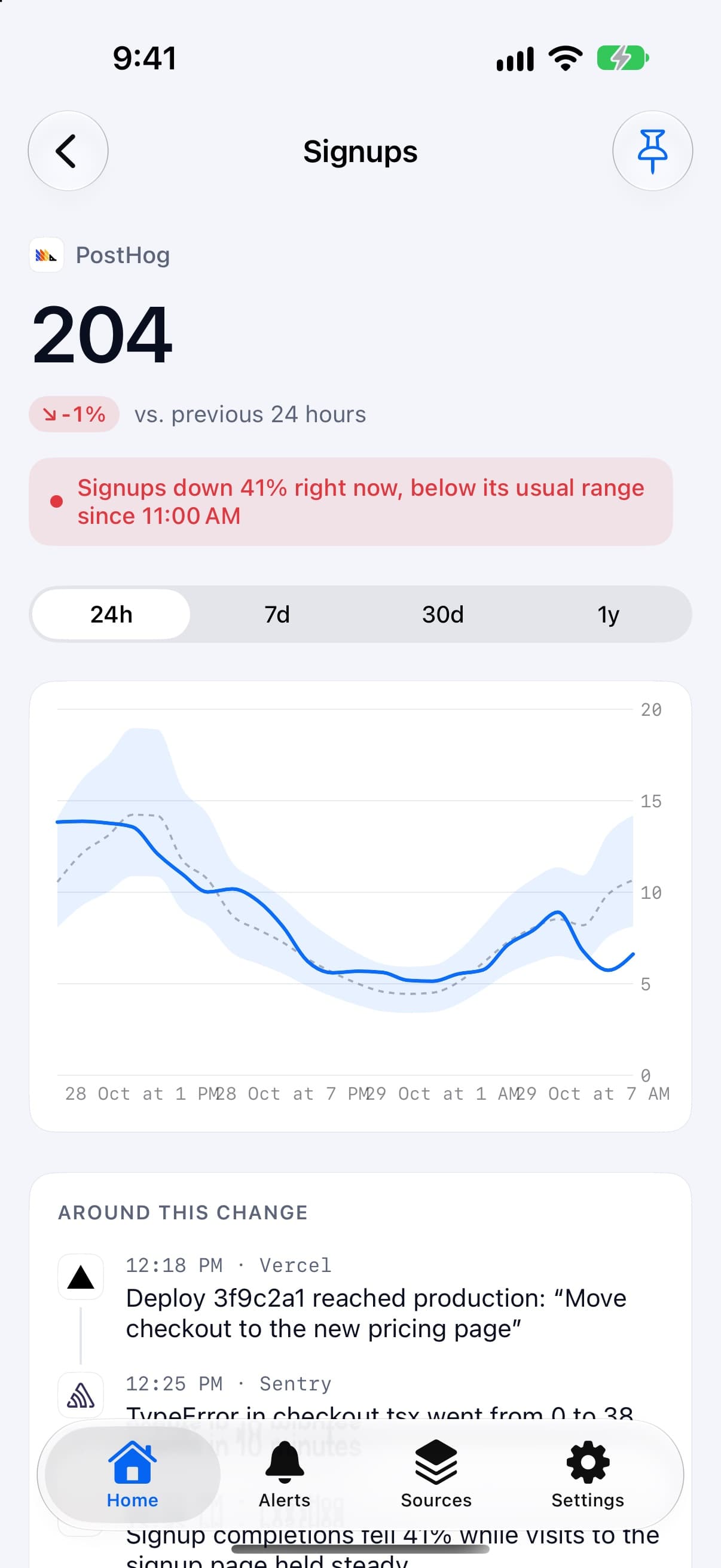
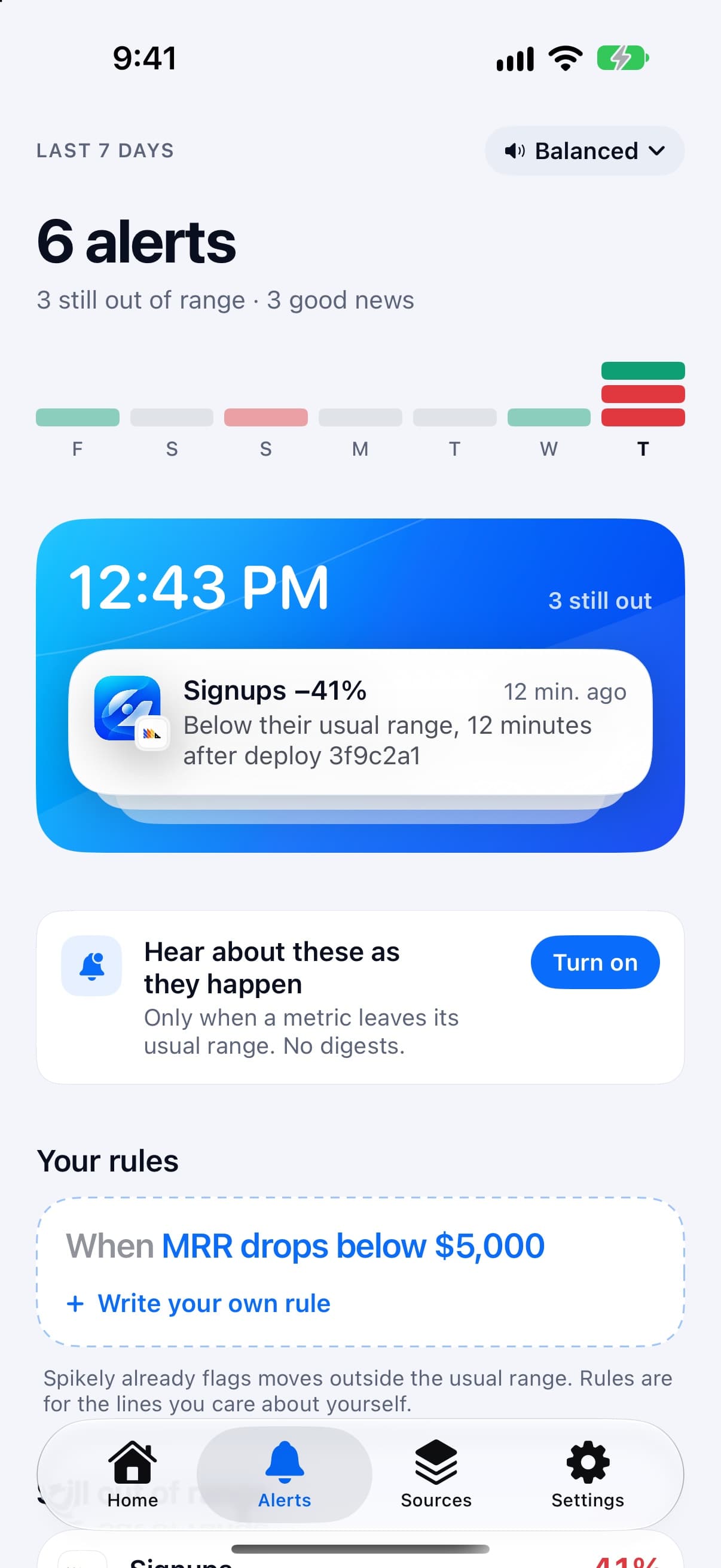
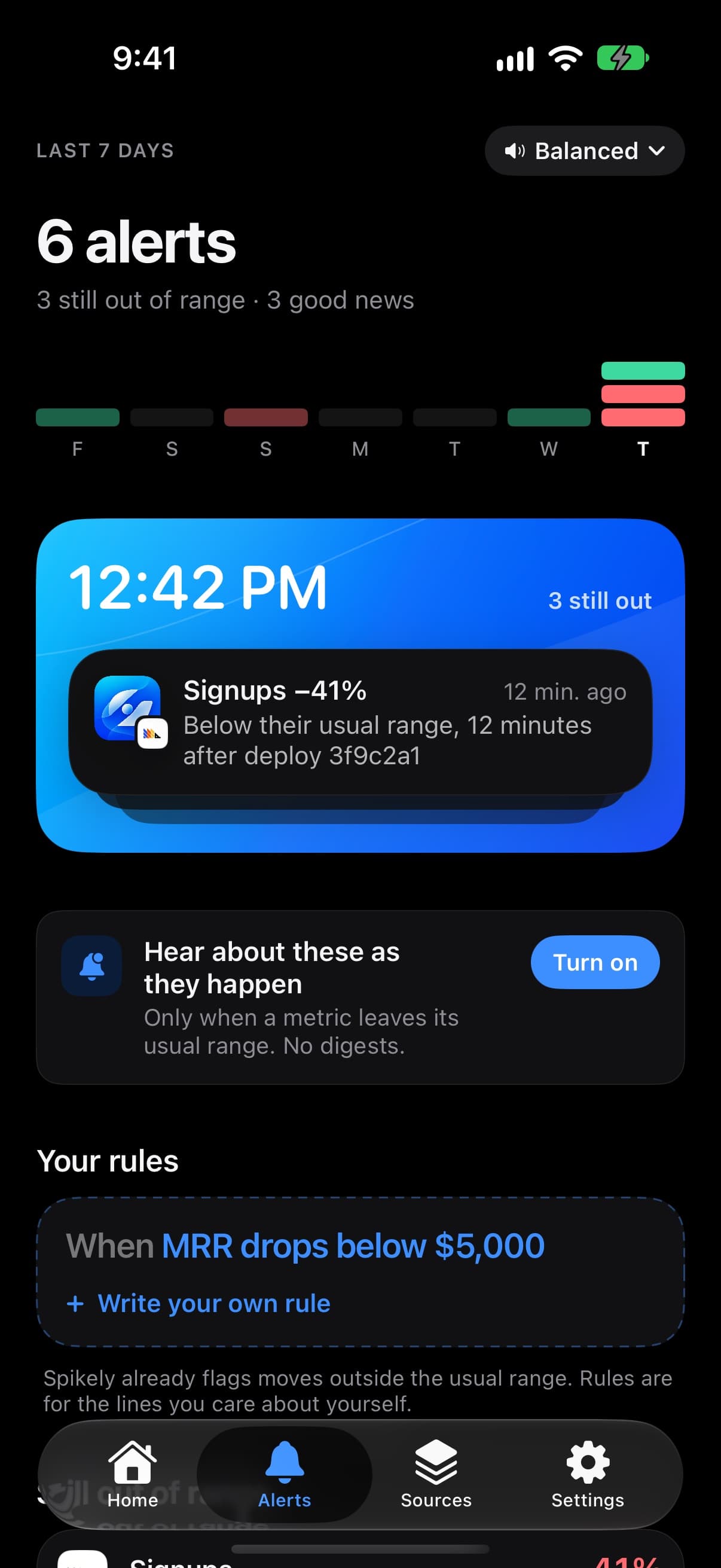
Below their usual range, 3 minutes after deploy 3f9c2a1


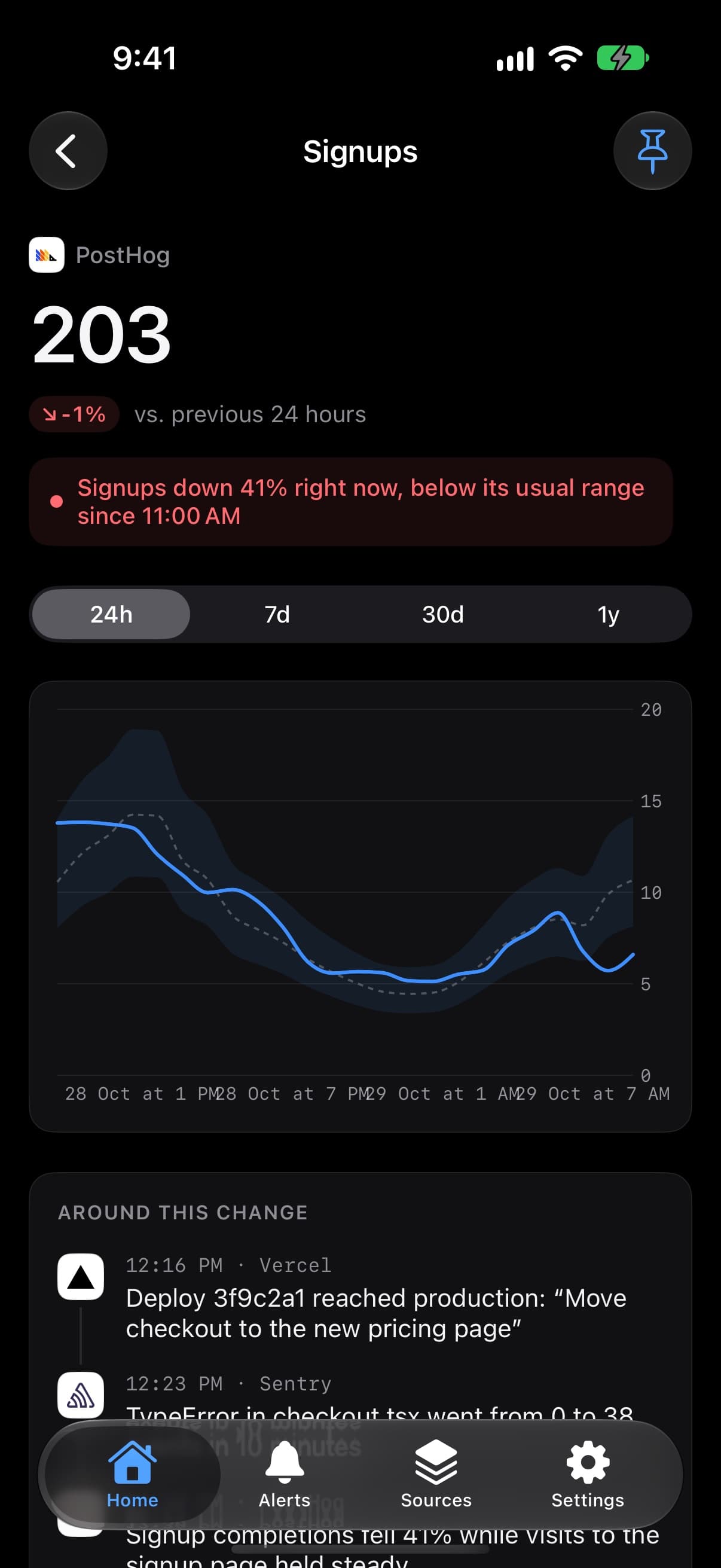
3 changes in the hour before the drop


Desktop widgets and a menu bar count
Home Screen widgets, side by side
Lock Screen, alerts and Live Activities
Smart Stack and complications
How it works


A bad deploy. Signups fall minutes after deploy 3f9c2a1 goes live. Spikely flags it, then lines up the deploy, the new TypeError and the funnel drop.
The app
Notifications


Sales, subscribers and renewals play a cash-register sound, so you know without looking.


Pastely · Pro, monthly
Pastely · Above its usual range
Timecard · Pro, yearly

Widgets


Timecard
Pastely


Build as many as you like in the app. Touch and hold a Spikely widget, tap Edit Widget, and pick which one it shows.
Small and the Lock Screen show the first number.
Up to four from any connected integration. Tap a name to swap it, or a range to change it. A number still loading says No data yet instead of disappearing.


Timecard
Pastely
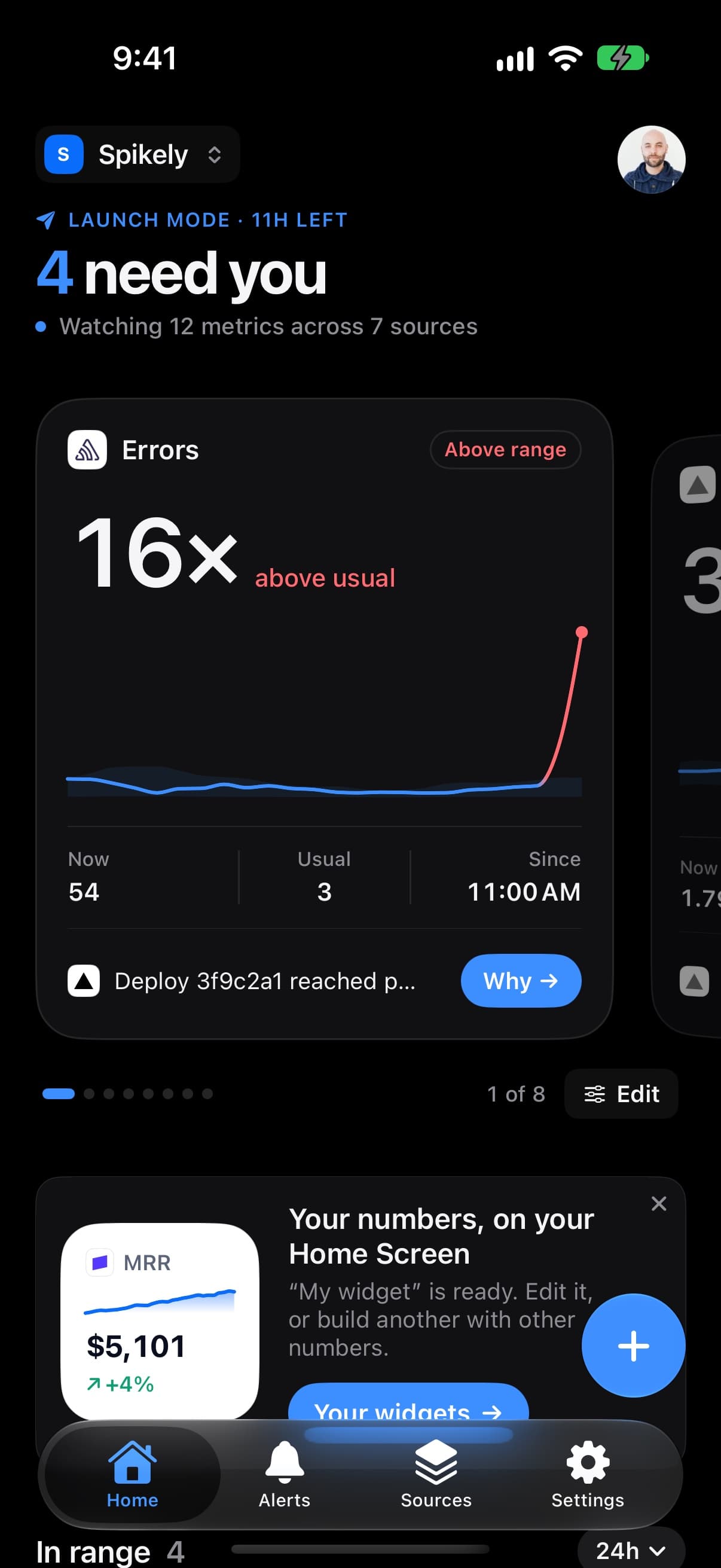
When a number breaks pattern, its widget comes to the front of the Smart Stack on iPhone and Apple Watch, and in StandBy.
Sources


Yours
One subscription for every number your startup runs on, on every device you own.
Start with 3 days free on the yearly plan. Cancel any time in Settings and keep Pro until your period ends.
3 days free, then $79.99 a year. Renews automatically. Cancel any time in Settings.
The same Pro unlocks Spikely on your iPad, Mac and Apple Watch, with your projects synced both ways.
With every Spikely Pro subscription
Billed securely through the App Store, in your local currency. Prices shown in US dollars.
FAQ

Write in and you'll hear back from the person who built it.
It reads the numbers in the tools you already use, like revenue in Stripe, visitors in Vercel and errors in Sentry, learns what each one usually looks like at that hour and day, and sends you an alert when one steps outside that range. Then it lists what your other sources recorded around the same time.
Each metric is compared with the same stretch of the period before, scaled to where things have settled since. That gives a range that is narrow at 3 AM and wide on a busy afternoon. Sensitivity decides how far outside it a number has to go: Big moves only, Balanced, or Every move.
No. Why shows what your sources actually recorded before a move started: a deploy that went live, an error that appeared, a referrer that showed up. It never guesses at causes it can't see.
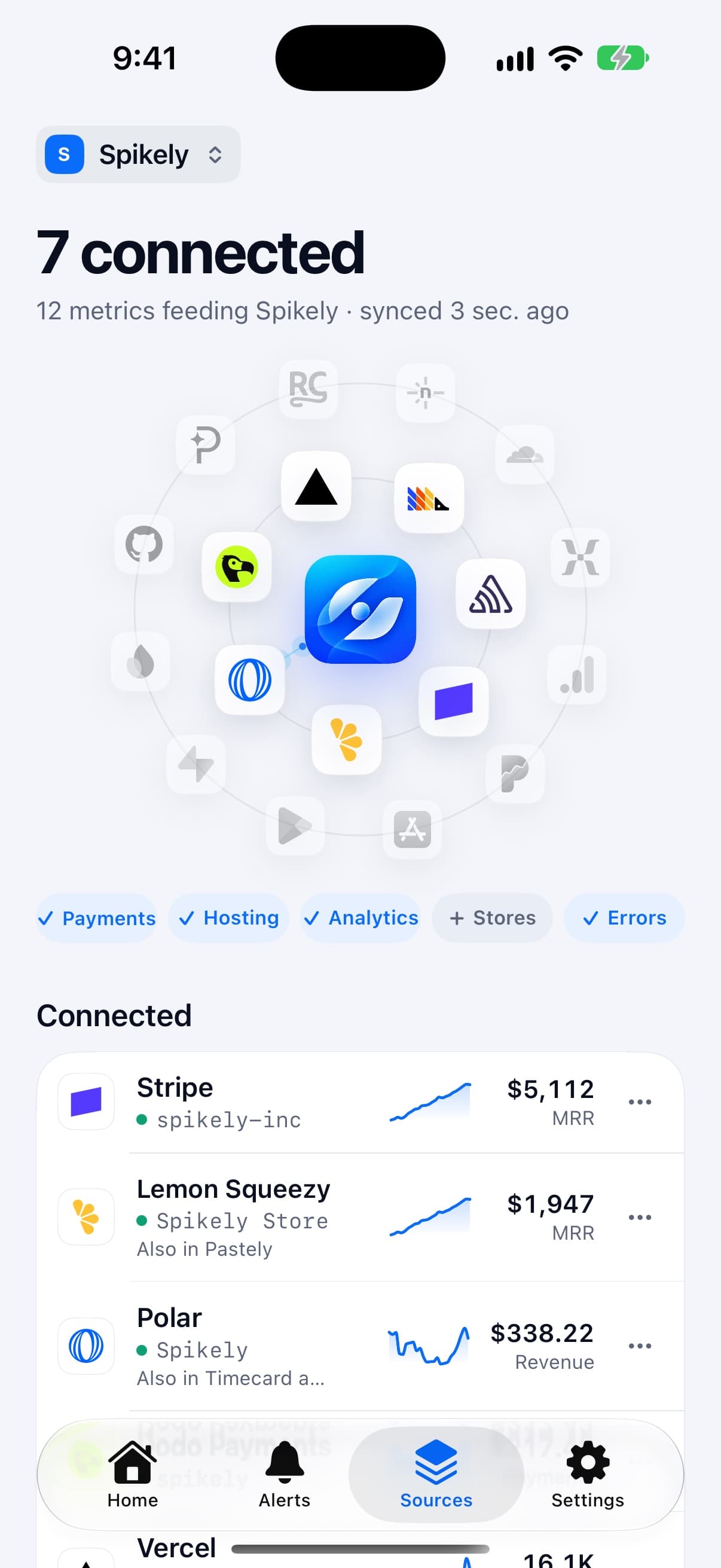
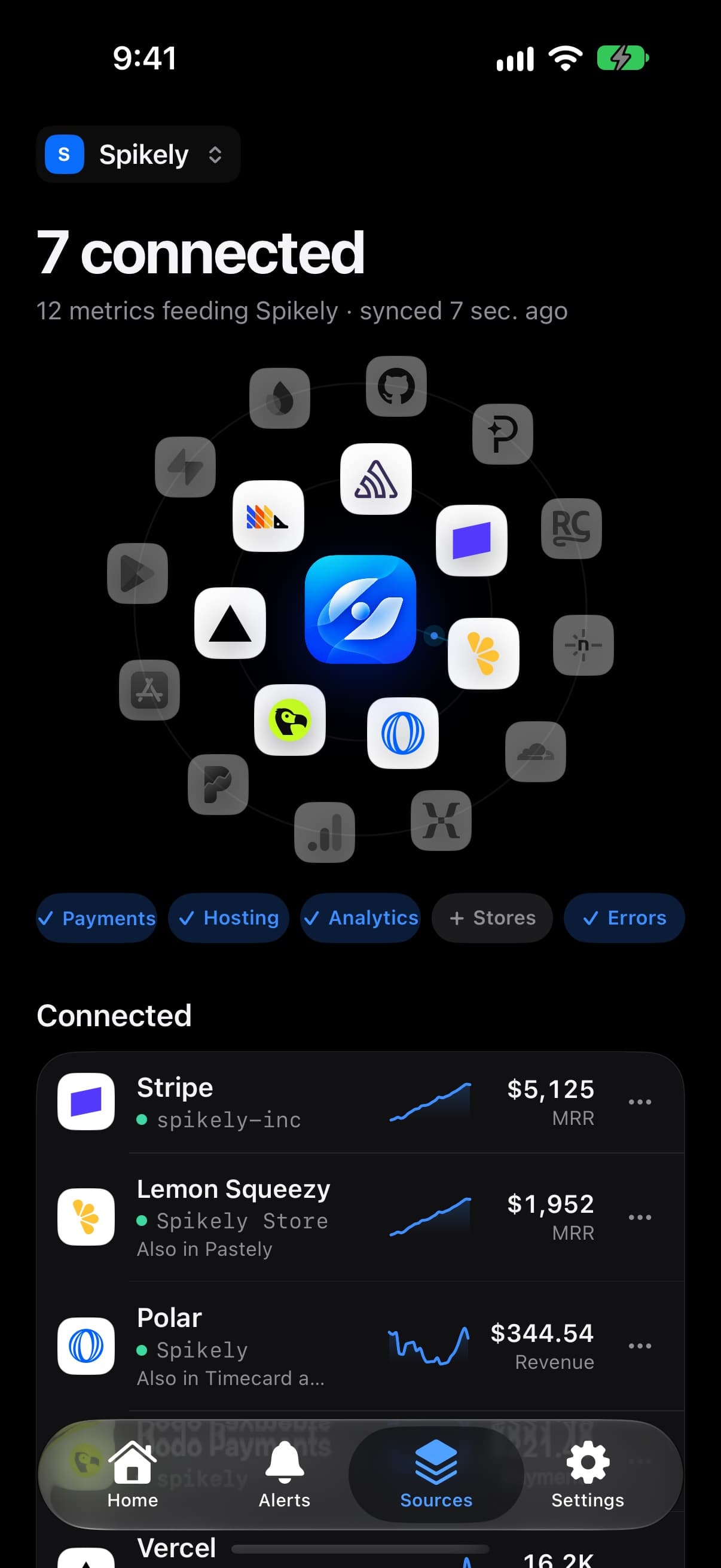
Spikely only asks for read-only keys, and every integration walks you through making one: where to click, which permissions to tick, and a link straight there. Keys are stored encrypted so Spikely can check your numbers around the clock, and disconnecting deletes the key.
Each one gets its own project with its own keys and its own widgets. The same source, like Polar, can be connected in several projects with a different account in each, and you switch between them from the top of Home.
Build one for each project, with its own integrations, up to four numbers each over its own range, and its own look: a line, area, bars, a range or just the figure. On the Home Screen, touch and hold a Spikely widget, tap Edit Widget, then Widget to choose which one it shows. When a number leaves its range the widget can stay calm, change colour or show why, and it comes forward in the Smart Stack. Launch mode puts the next 24 hours in the Dynamic Island.
Spikely Pro is $9.99 a month, or $79.99 a year with the first 3 days free. The free trial is on the yearly plan only. You get a reminder before the trial ends, and you can cancel any time in Settings. If you cancel, you keep Pro until the end of the period you paid for.
Yes. Spikely runs on iPhone, iPad, Mac and Apple Watch. Your projects, sources and widgets follow you once you sign in: desktop widgets and a menu bar count on Mac, Home Screen widgets on iPad, and the Smart Stack on your wrist.